
Teachers
Open in AdminCreate teacher login accounts for course management.
Teachers are login accounts with the teacher role. They are not the same as Mentors (public bios).
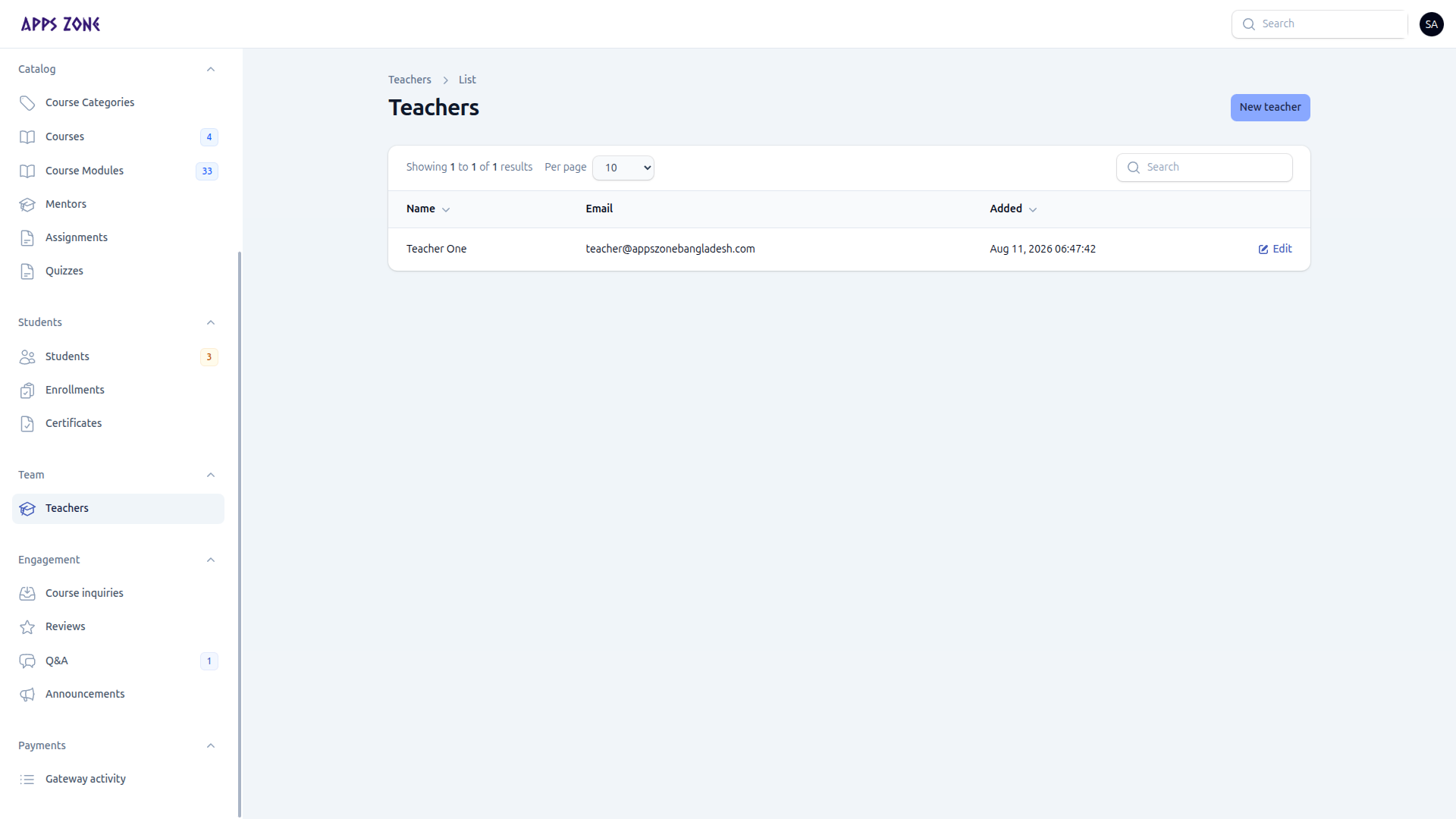
A teacher signs in at /teacher/login and works in the teacher panel. They only see courses they own or are assigned to (see the course Teachers tab). They cannot open /admin.
Create a teacher
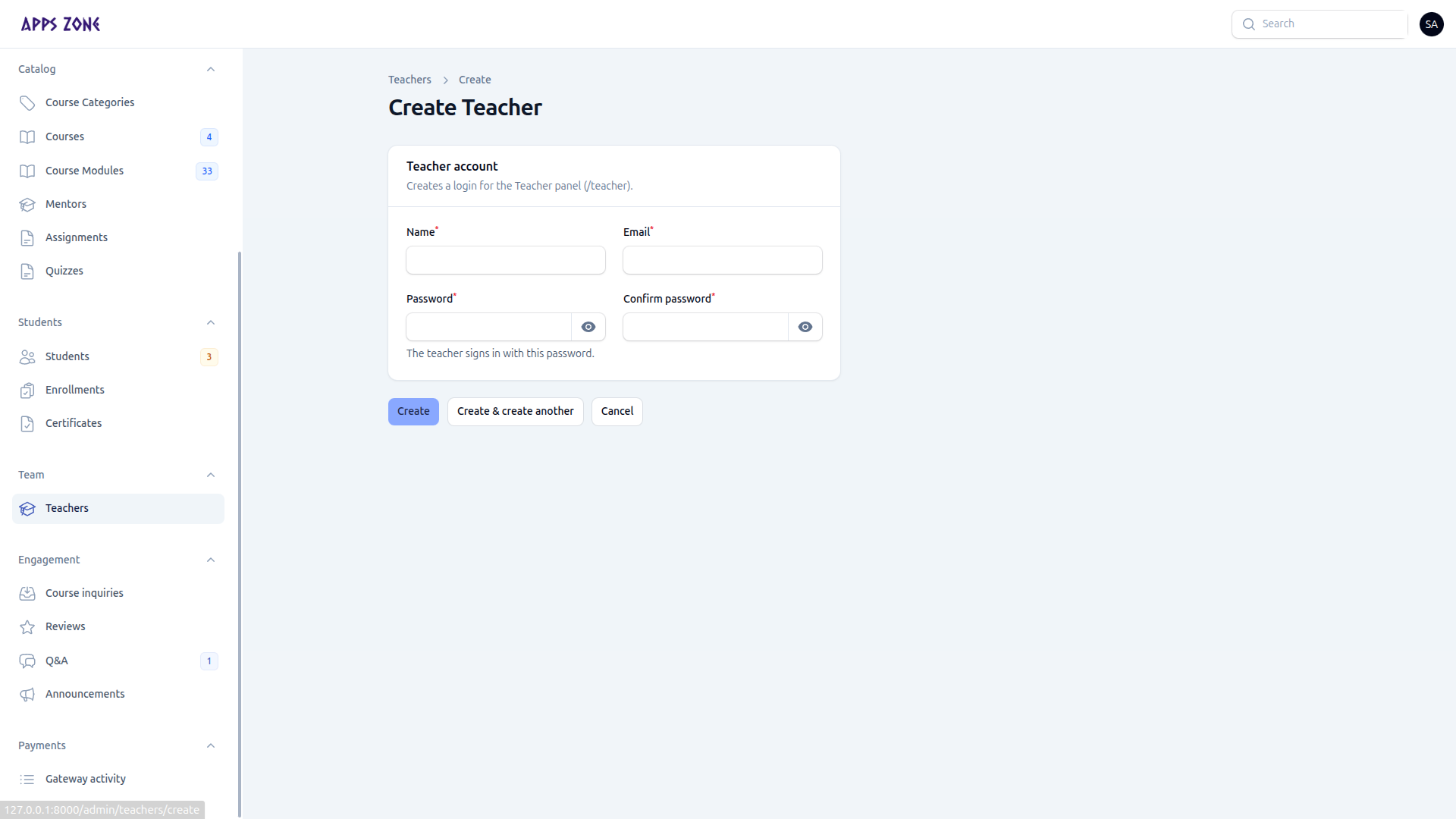
- Open Team → Teachers and click New teacher.
- Enter Name, Email, Password, and confirmation.
- Create — the account is given the
teacherrole.
On edit, leave password blank to keep the current one.
There is no bulk delete on this list. Deactivate access by changing the user’s roles in Roles if you need to revoke a teacher.