
Site Settings
Open in AdminBranding, SEO defaults, certificate signatures, footer, and contact details.
Site Settings control the name, logos, and contact details used on the public site and every Filament panel.
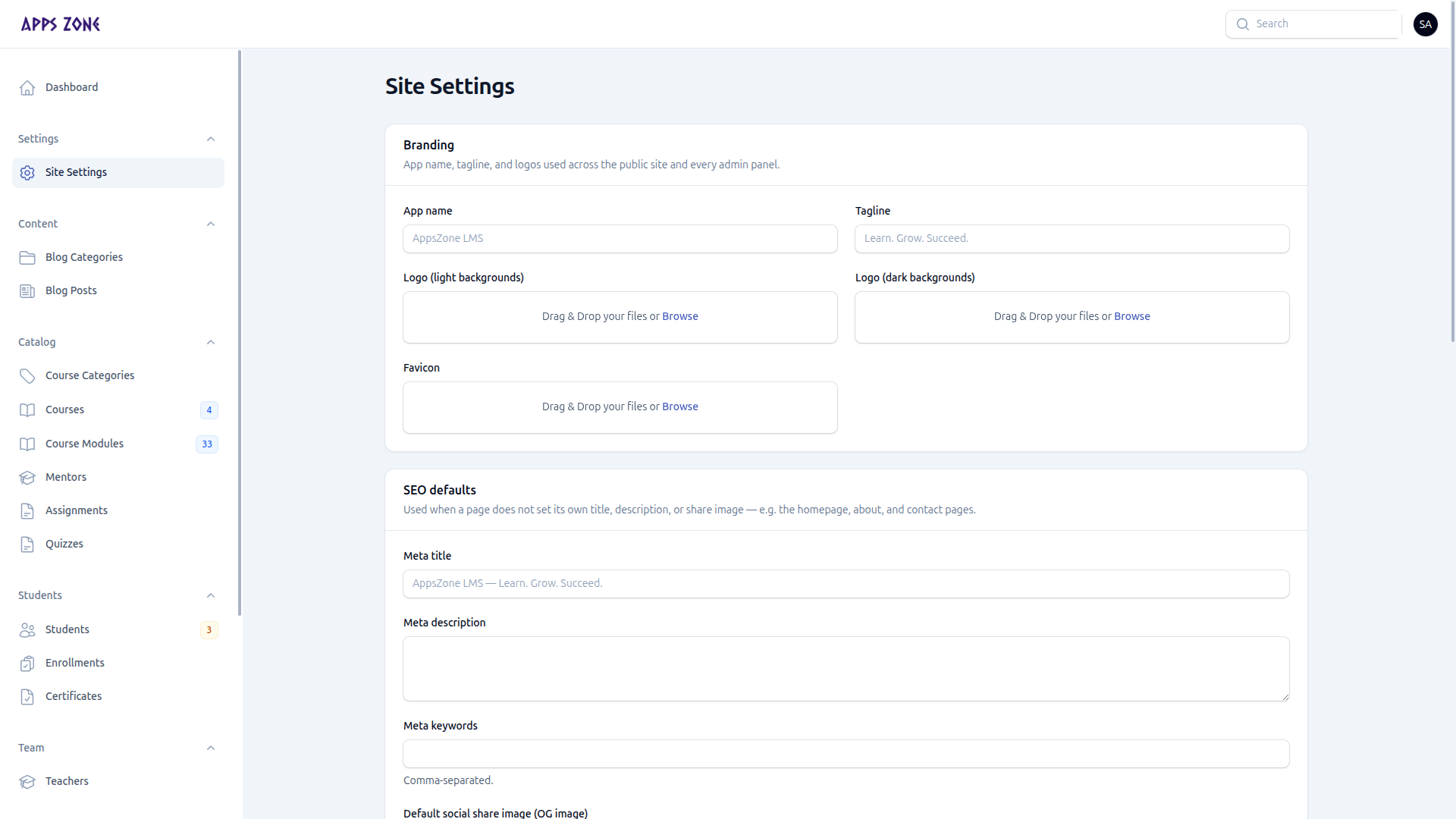
Branding
| Field | Where it appears |
|---|---|
| App name | Browser titles, admin brand, emails |
| Tagline | Public marketing fallback |
| Logo (light) | Public header and admin (light backgrounds) |
| Logo (dark) | Dark admin chrome |
| Favicon | Browser tab |
Leave a field blank to fall back to the values in config/appszone.php.
SEO defaults
Used when a public page does not set its own title, description, or share image (home, about, contact).
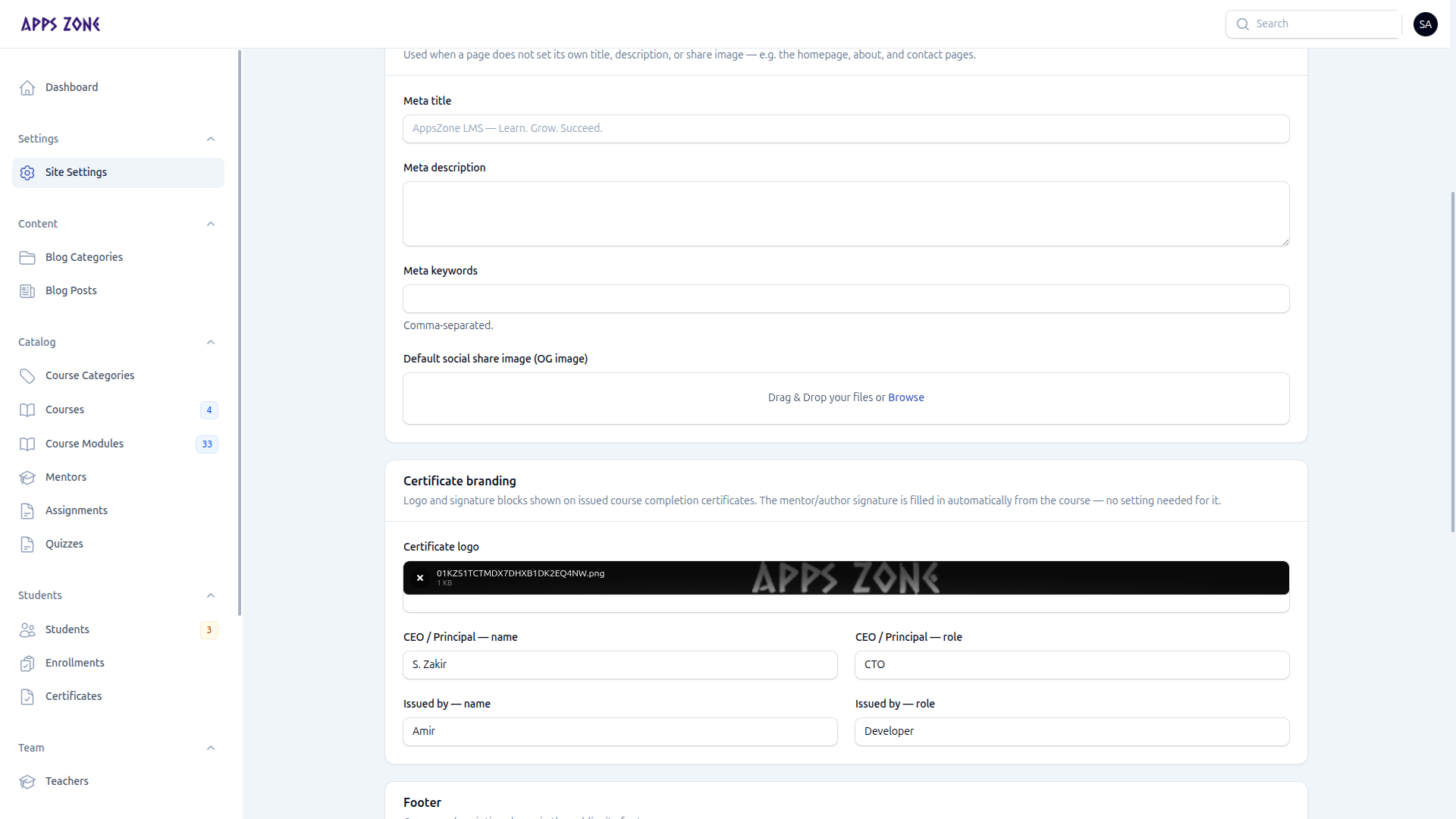
| Field | Purpose |
|---|---|
| Meta title / description / keywords | Search and social fallbacks |
| OG image | Default share image |
| Certificate logo | Mark on issued certificates |
| CEO / Principal name & role | Signature block |
| Issued by name & role | Second signature block |
The mentor signature on a certificate is taken from the course, not from this page.
Footer, contact, social
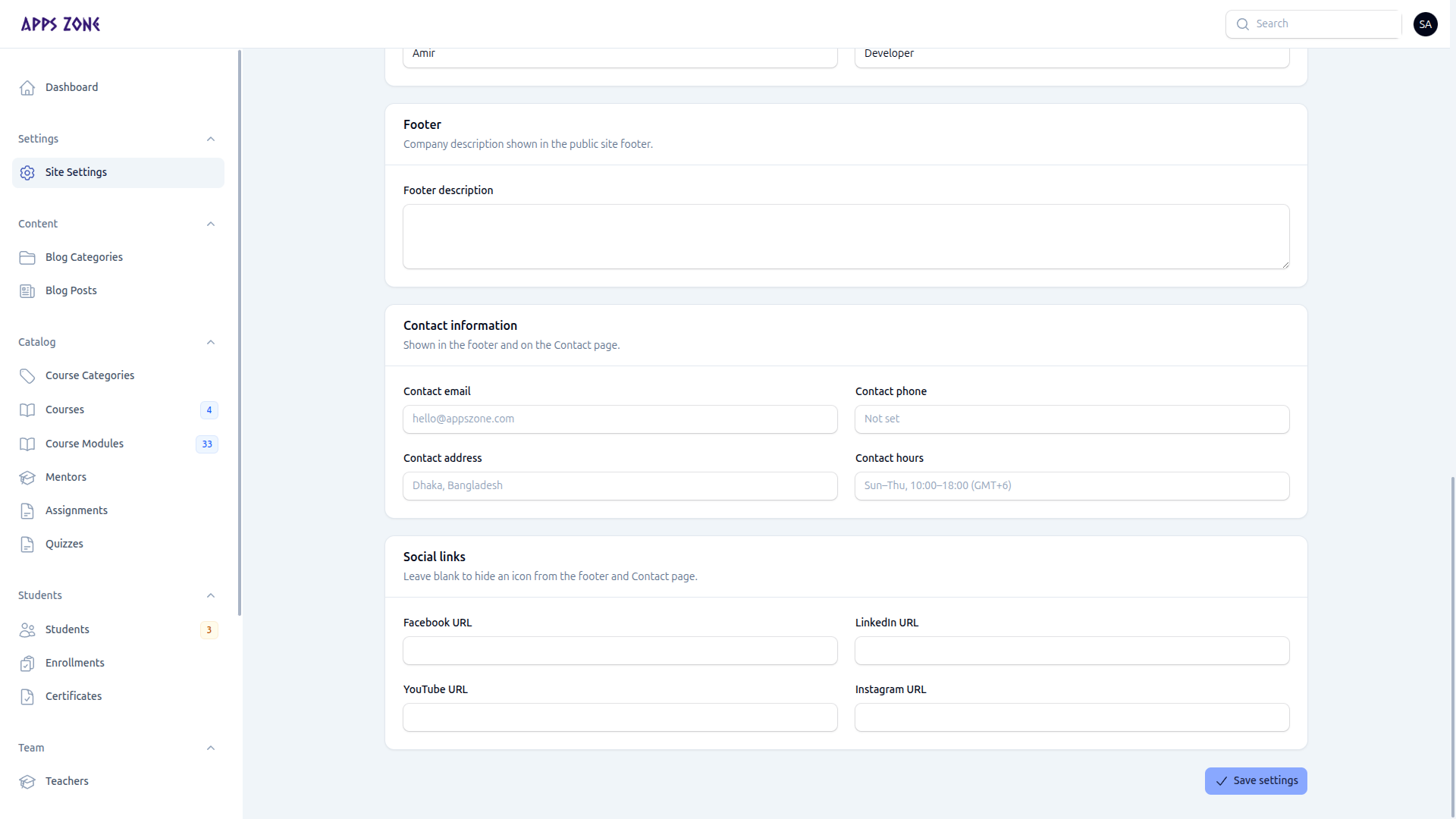
These values appear in the public footer and on the Contact page. Leave a social URL empty to hide that icon.
Click Save settings at the bottom. A success notification confirms the write.