
Enrollments
Open in AdminConfirm course access, record payments, and review EPS activity.
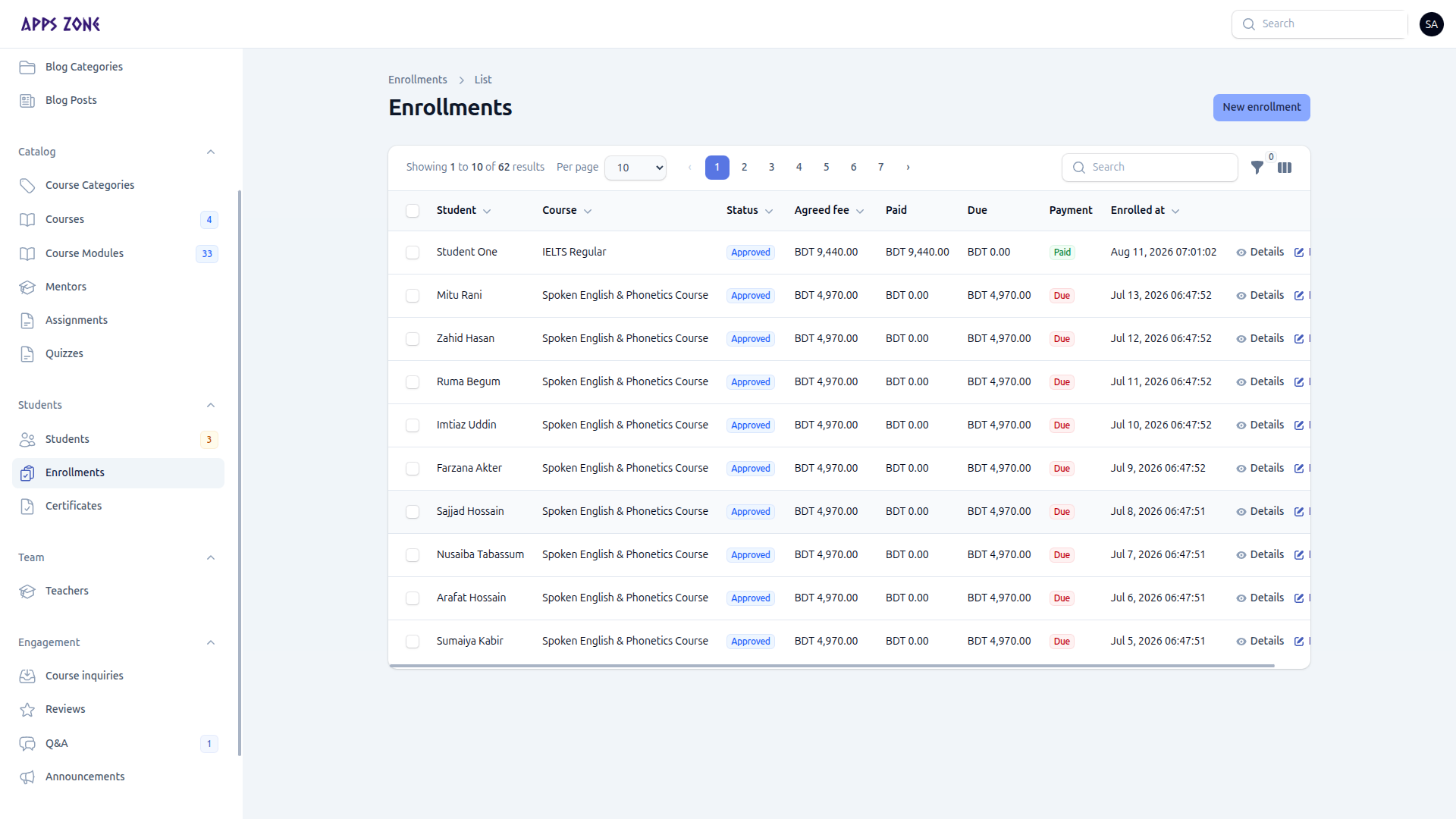
An enrollment is the access record between a student and a course. Confirmed or completed enrollments unlock the learning player.
The sidebar badge (admins) is the pending count. Teachers see this menu as Course students and cannot create or delete enrollments.
Statuses
| Stored value | Label in the UI | Learning access |
|---|---|---|
| pending | Pending | No |
| confirmed | Approved | Yes |
| completed | Completed | Yes |
| cancelled | Cancelled | No |
Payment status on the row is Paid, Partial, or Due from recorded payments vs agreed fee.
Create an enrollment
Use this when you enroll someone by hand (most students request from /student/enroll/{course}).
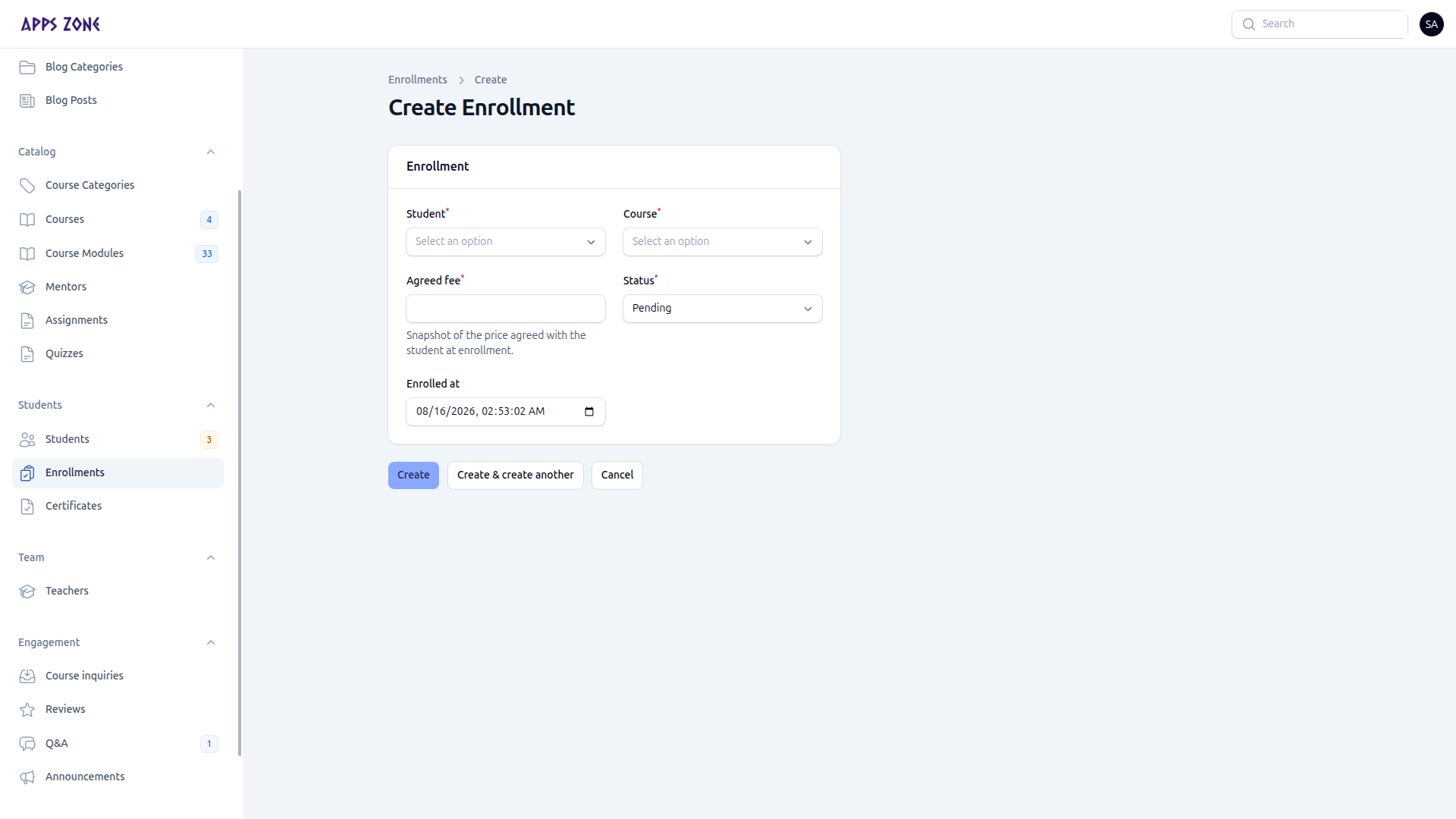
- New enrollment.
- Student, course (agreed fee fills from the course effective price), status (default Pending), enrolled-at.
- Create.
- Open the record and add Payments (cash, bKash, Nagad, bank, EPS, other) with amount, date, reference, optional proof.
Review a request
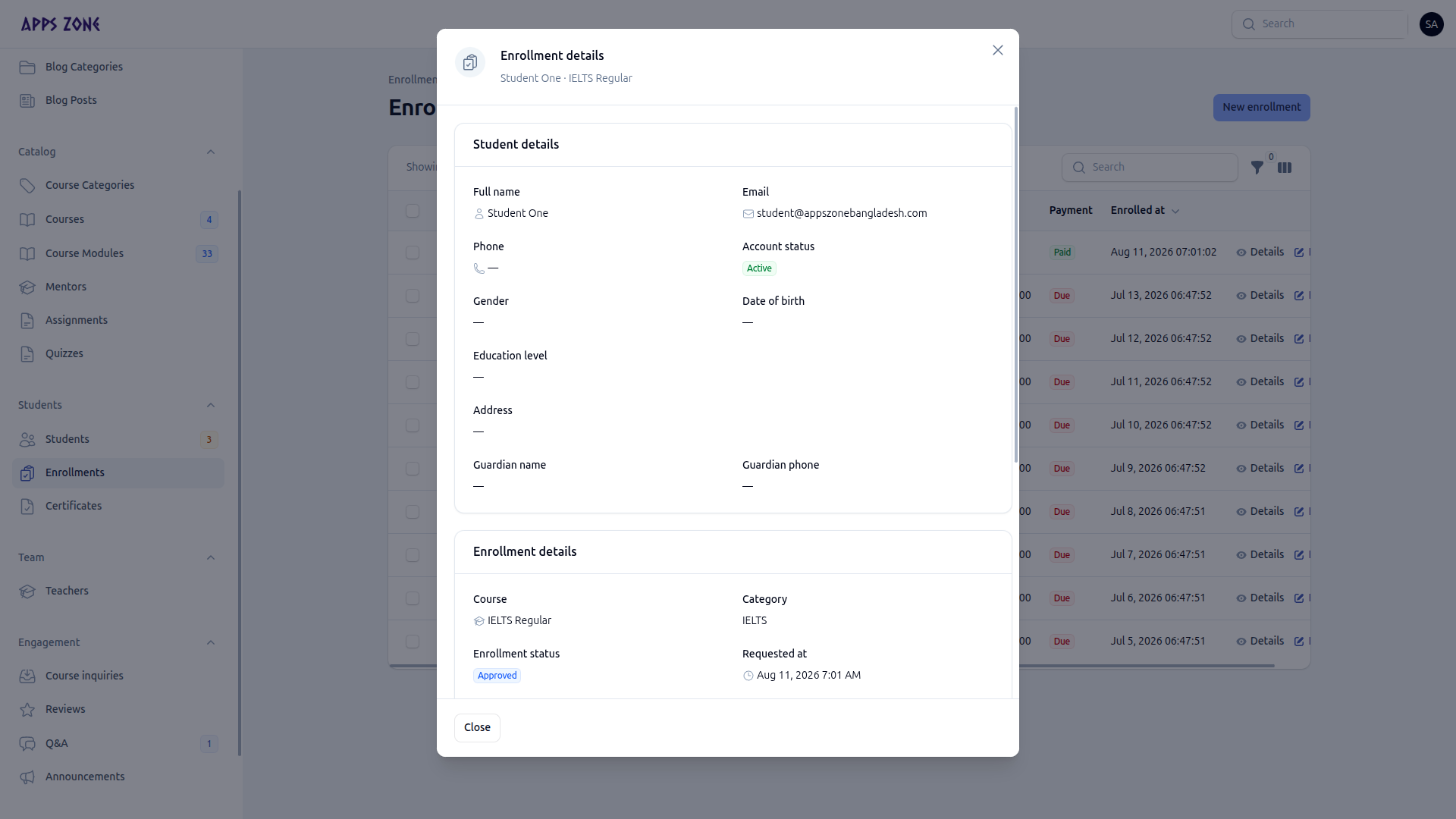
Details shows student and enrollment context. From the table:
- Approve — Pending → Confirmed (learning access)
- Deny — → Cancelled
- Edit — admins only
EPS checkouts write rows in Payments → Gateway activity. Open a payment’s API logs from the enrollment payments relation when you need the raw gateway trail.