
Certificates
Open in AdminIssue course completion certificates, share the public page, or withdraw one.
Certificates are issued to students with a confirmed or completed enrollment who do not already have a certificate for that course.
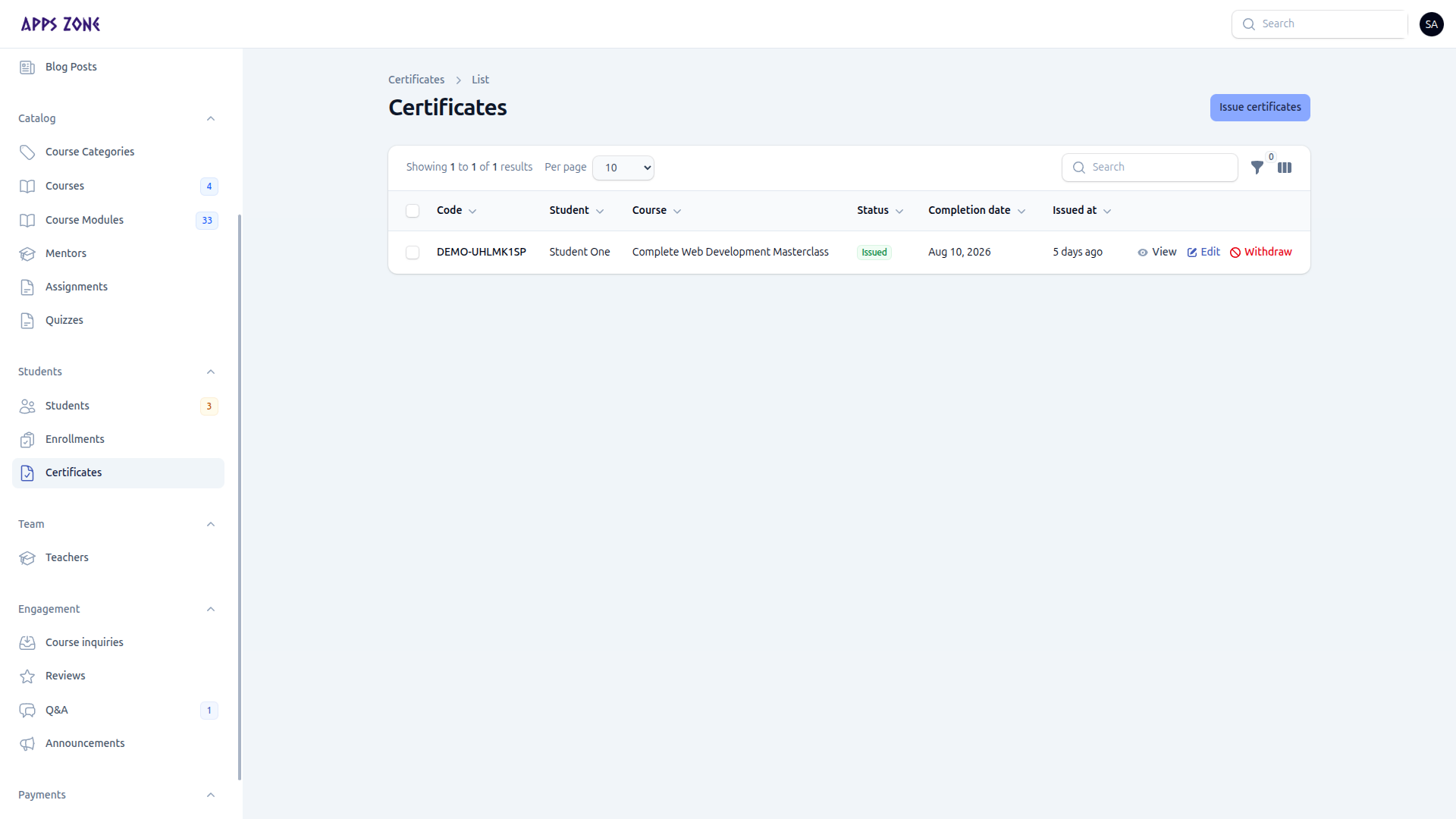
Issue certificates
- Click Issue certificates.
- Pick a course, then one or more eligible students.
- Shared defaults (completion date, duration, score, statement) apply to everyone. Override per student if needed.
- Signatures come from Site Settings (principal and issuer). The mentor line comes from the course.
- Create — students are emailed and the certificate is marked Issued.
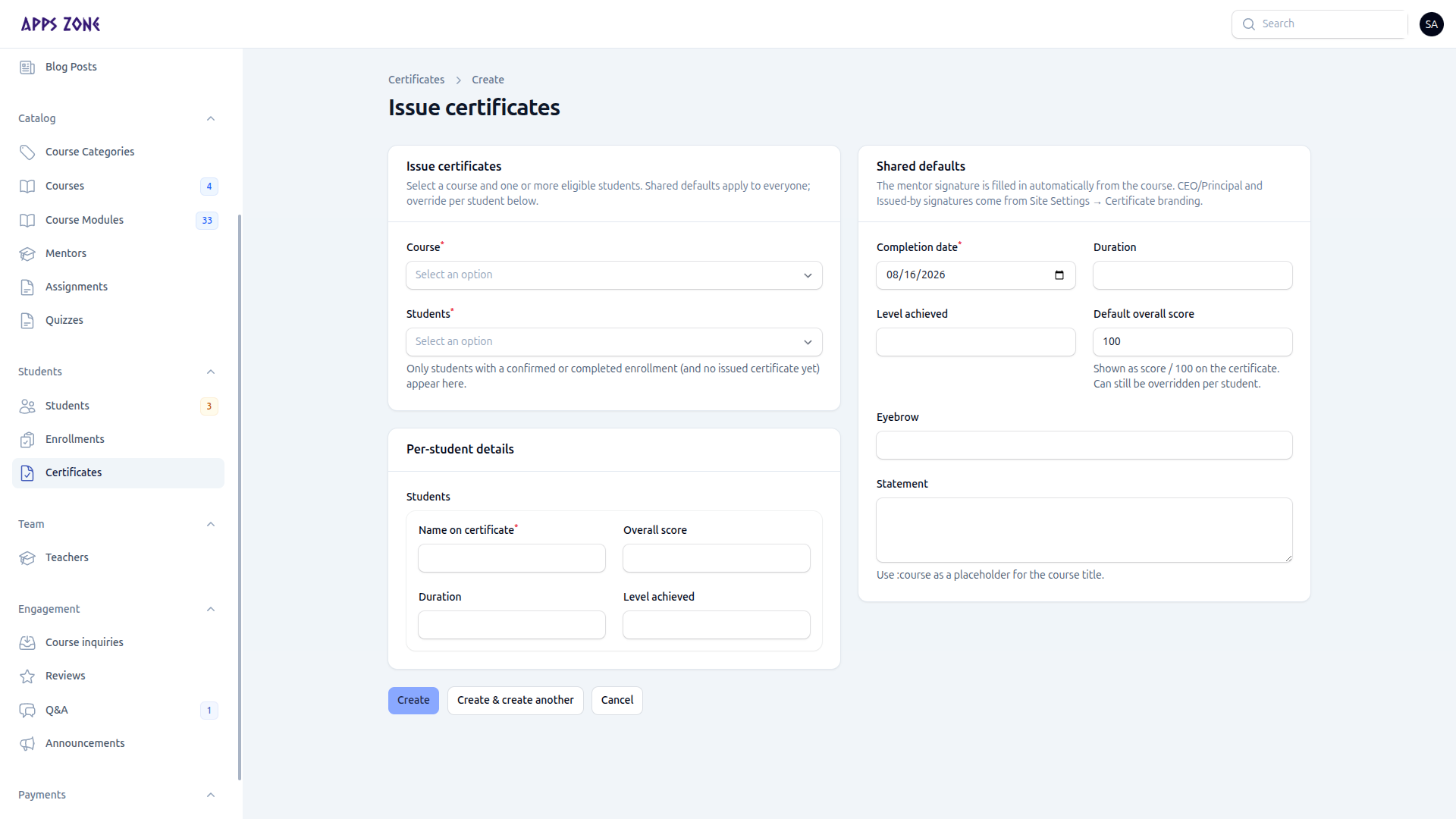
Public page
View opens the shareable page at /certificates/{code} (print / download PDF, QR verification).
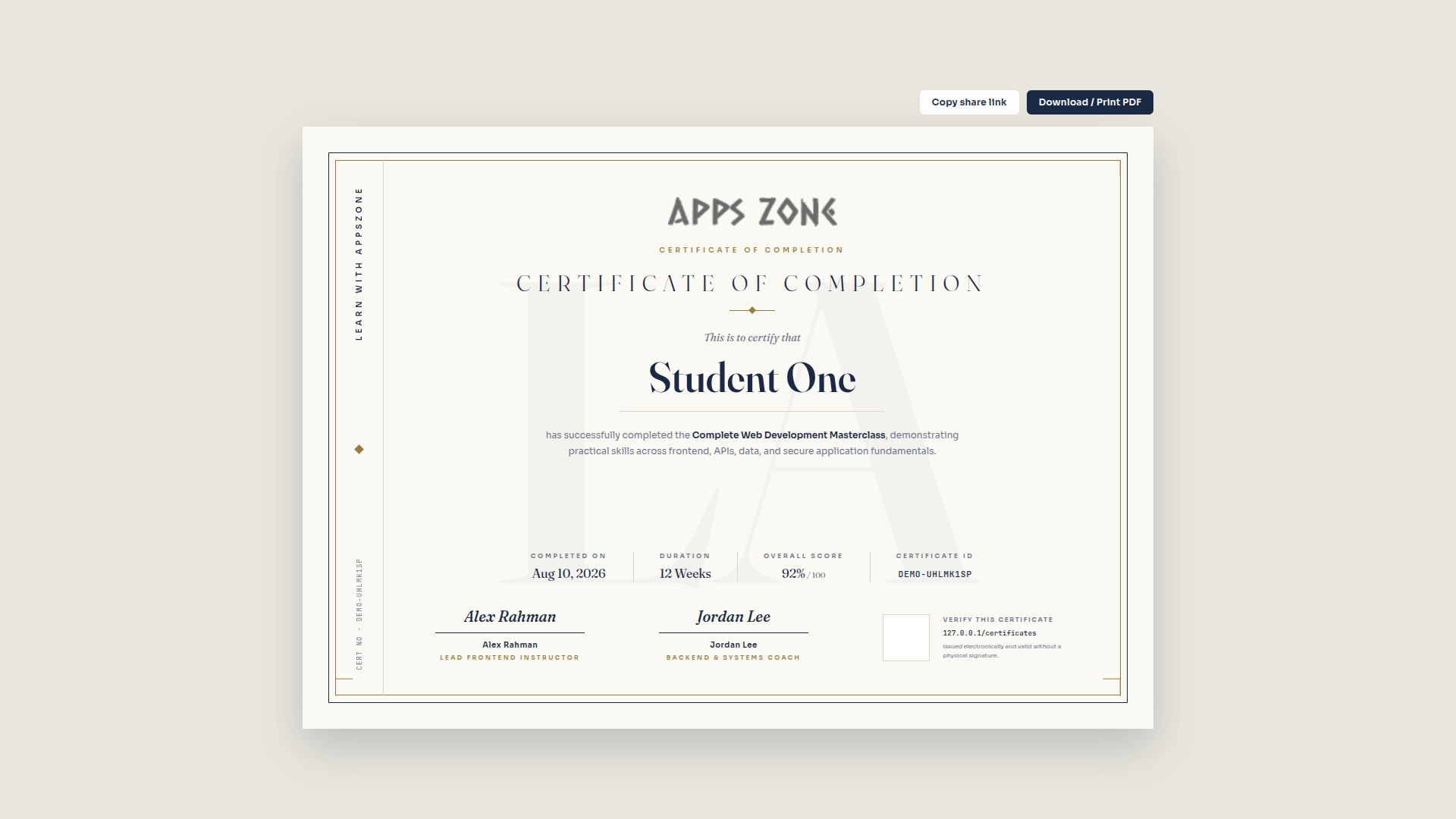
Withdraw
Withdraw marks the certificate withdrawn so the public page no longer presents it as valid. Use this if it was issued in error.