
Q&A
Open in AdminAnswer student conversations from the admin console.
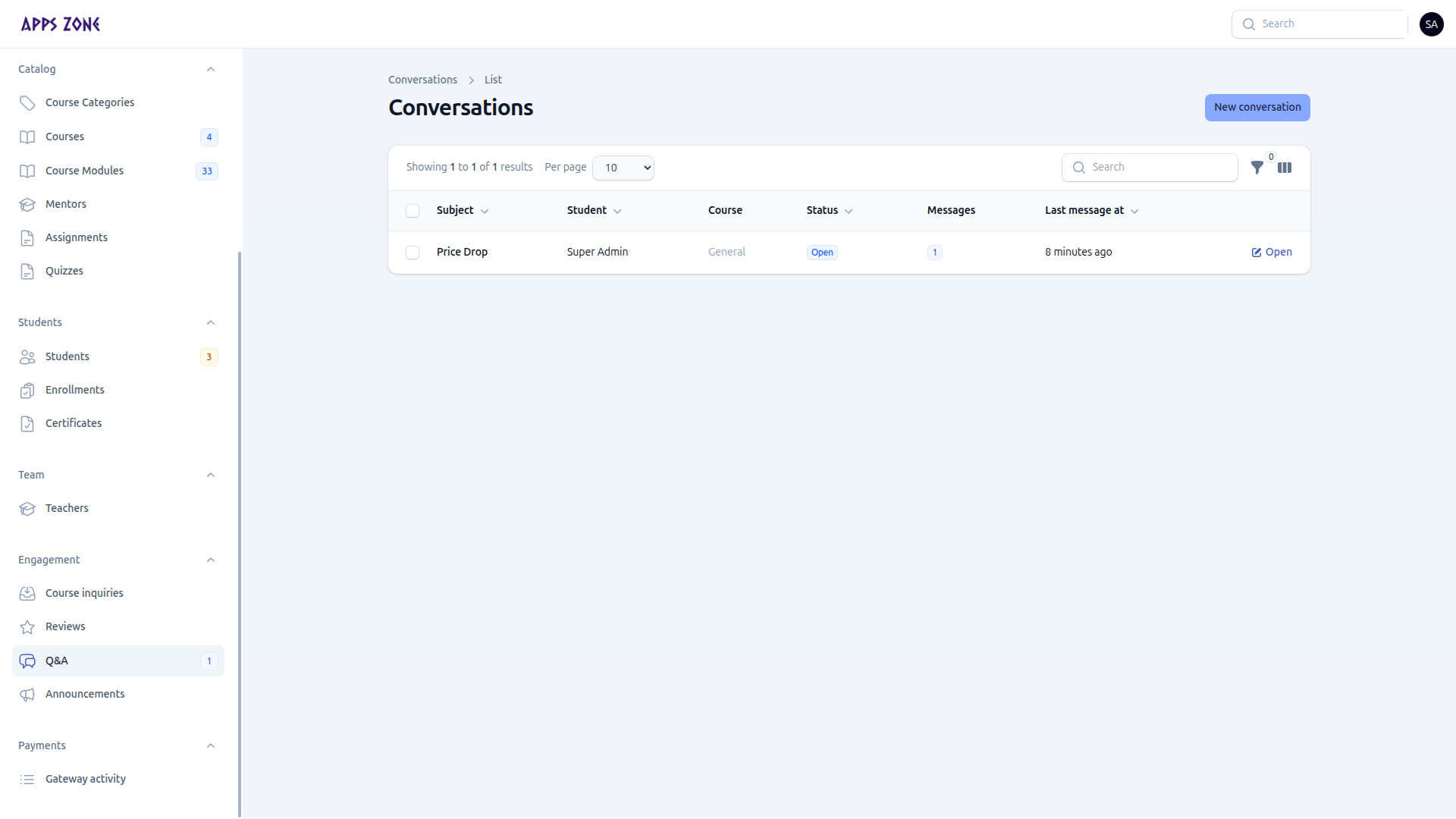
Q&A threads are support conversations. The sidebar badge is the number of open threads. The dashboard widget lists the same queue.
Reply
Click Open on a row. The messages relation is the chat. Send a reply as admin; the student sees it in their panel.
Start a conversation
Staff can open a thread for a student (for example after a discount discussion).
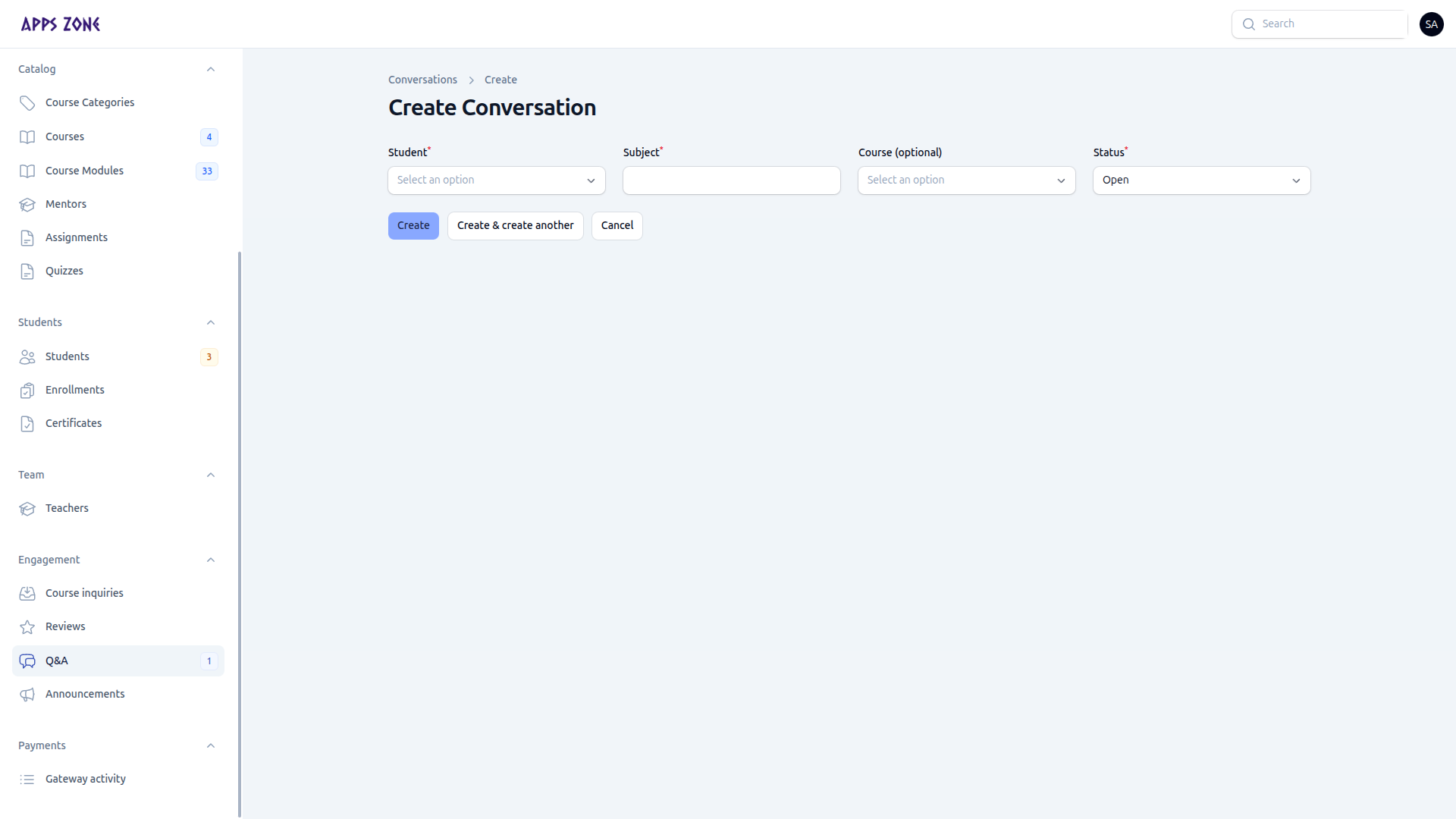
| Field | Notes |
|---|---|
| Student | Required |
| Subject | Required |
| Course | Optional — leave empty for general |
| Status | Open, Answered, or Closed (default Open) |
Close a thread when the question is resolved so it drops off the dashboard widget.