
Blog Posts
Open in AdminWrite, publish, and SEO-tune articles for the public blog.
Blog posts are the public articles at /blog/{slug}.
Write a post
- Open Content → Blog Posts and click New blog post.
- Stay on the Content tab first:
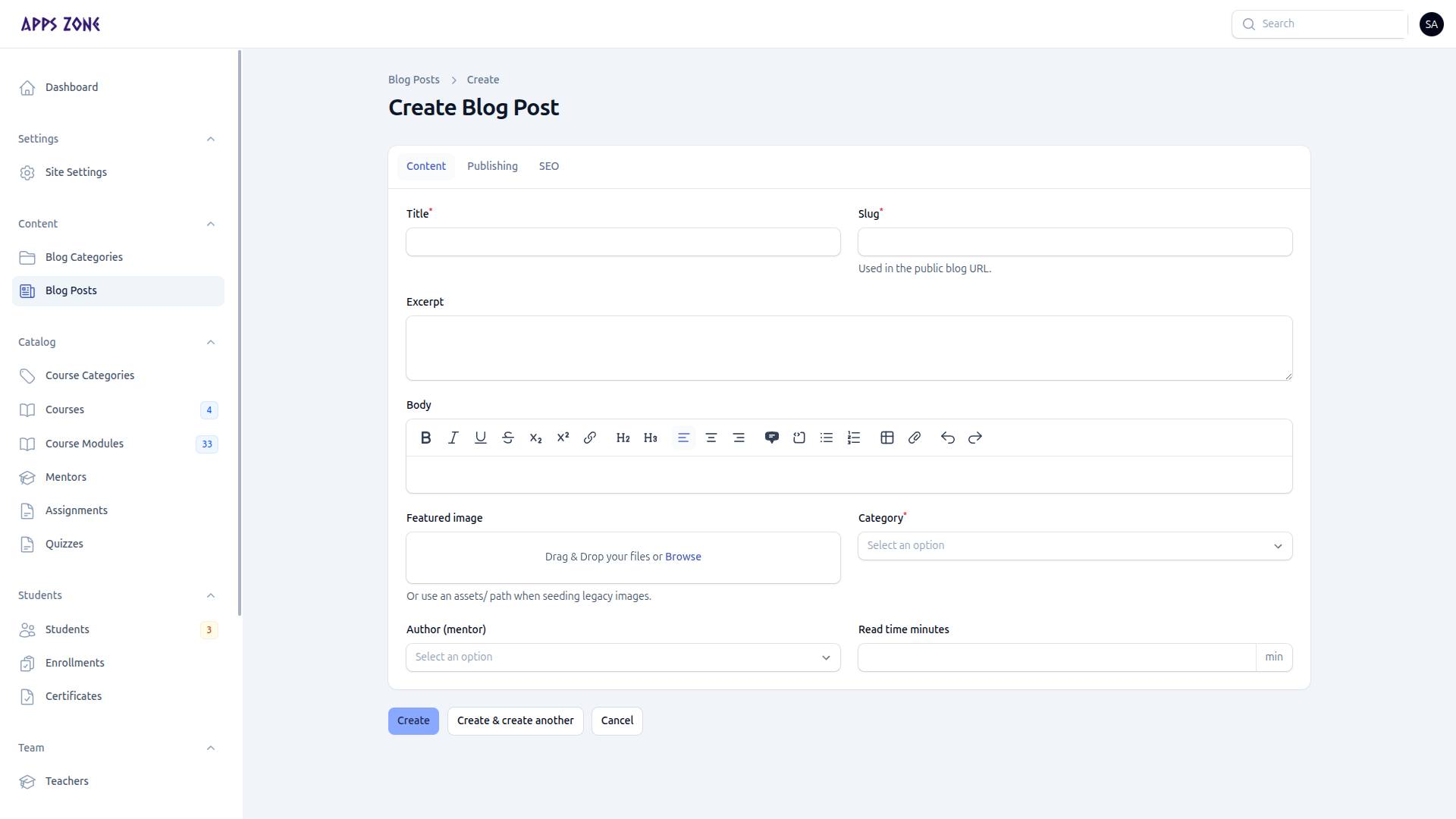
| Field | Notes |
|---|---|
| Title | Required; slug fills in on create |
| Slug | Public URL /blog/{slug} |
| Excerpt | Card and listing summary |
| Body | Full article (rich text) |
| Featured image | Card and header image |
| Category | Required — create categories first |
| Author | A mentor profile, not a teacher login |
| Read time | Optional minutes |
- Open Publishing:
- Is featured — homepage / blog highlight
- Is active — must be on to appear
- Published at — leave blank to keep as a draft; set a past datetime to go live
- Open SEO for meta title, description, keywords, OG image, and canonical URL.
- Create.
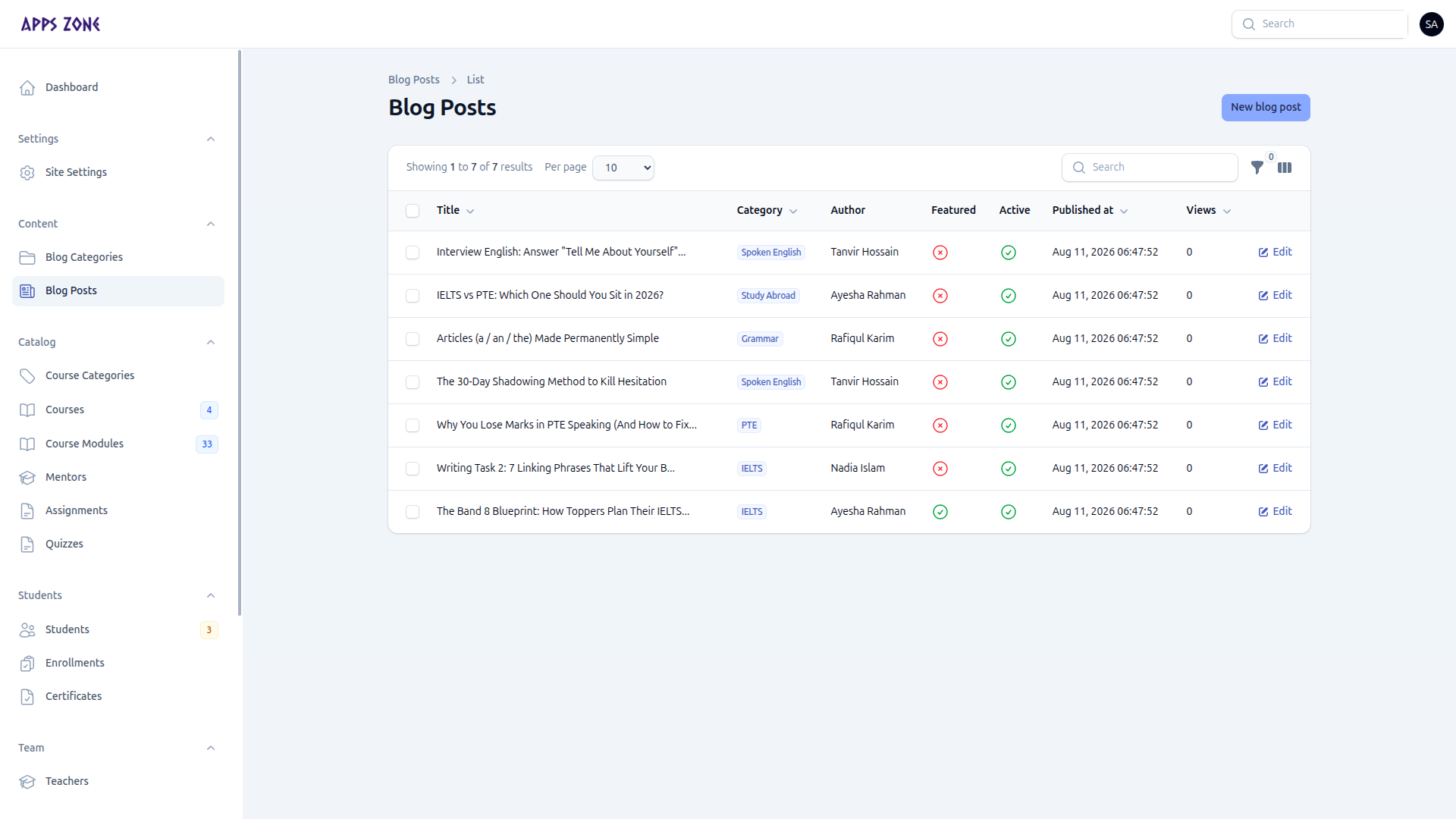
List
Columns include title, category, author, featured, active, published at, and views. Filter by category, featured, or active. Use Edit to update a live post.