
Course inquiries
Open in AdminFollow up on public demo, trial, and mock-test requests.
Course inquiries come from the public site (demo class, trial class, mock test). Staff cannot create them here — only follow up.
The sidebar badge is the pending count.
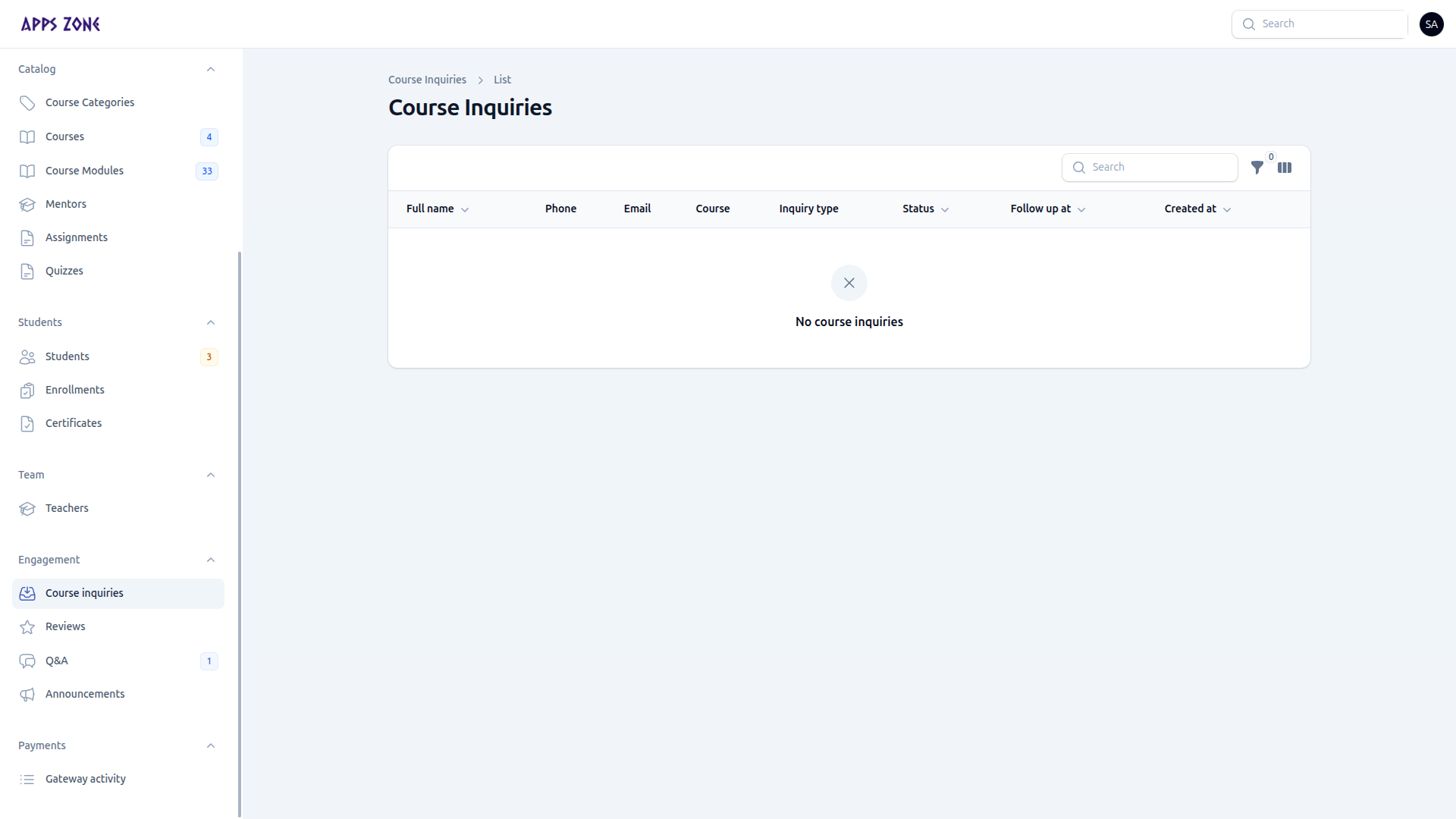
When the table has rows you will see name, phone, email, course, inquiry type, status, follow-up date, and created at.
Follow up
- Open a row (Details or Edit). Applicant fields are read-only.
- Update Admin follow-up: status, notes, follow-up at, handled at.
- Or use Mark contacted from the list.
| Status | Typical meaning |
|---|---|
| Pending | New lead |
| Contacted | You reached them |
| Scheduled | Session booked |
| Completed | Done |
| Closed | No further action |
Filter by status, type, or Follow-ups due.