
Course Categories
Open in AdminGroup courses on the public catalog.
Course categories are the buckets on /courses (IELTS, Spoken English, Web Development, and so on). Create a category before you create a course, or use the quick-create on the course form.
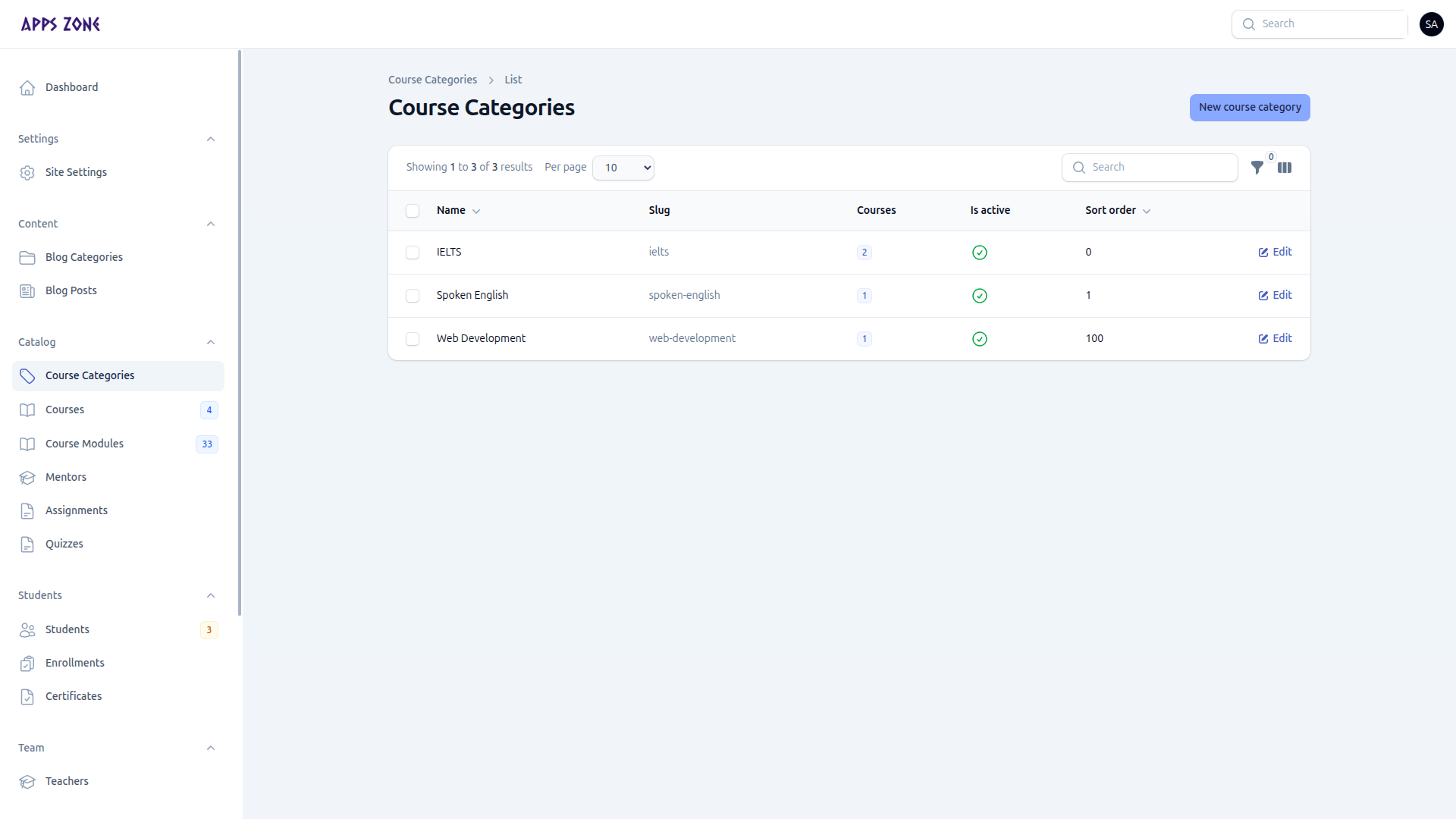
Create a category
- Open Catalog → Course Categories.
- Click New course category.
- Set Name, Slug (auto from name), optional Description, Sort order, and Is active.
- Create.
The list shows how many courses sit in each category. Filter by Active. Edit to rename or hide a group without deleting the courses inside it.