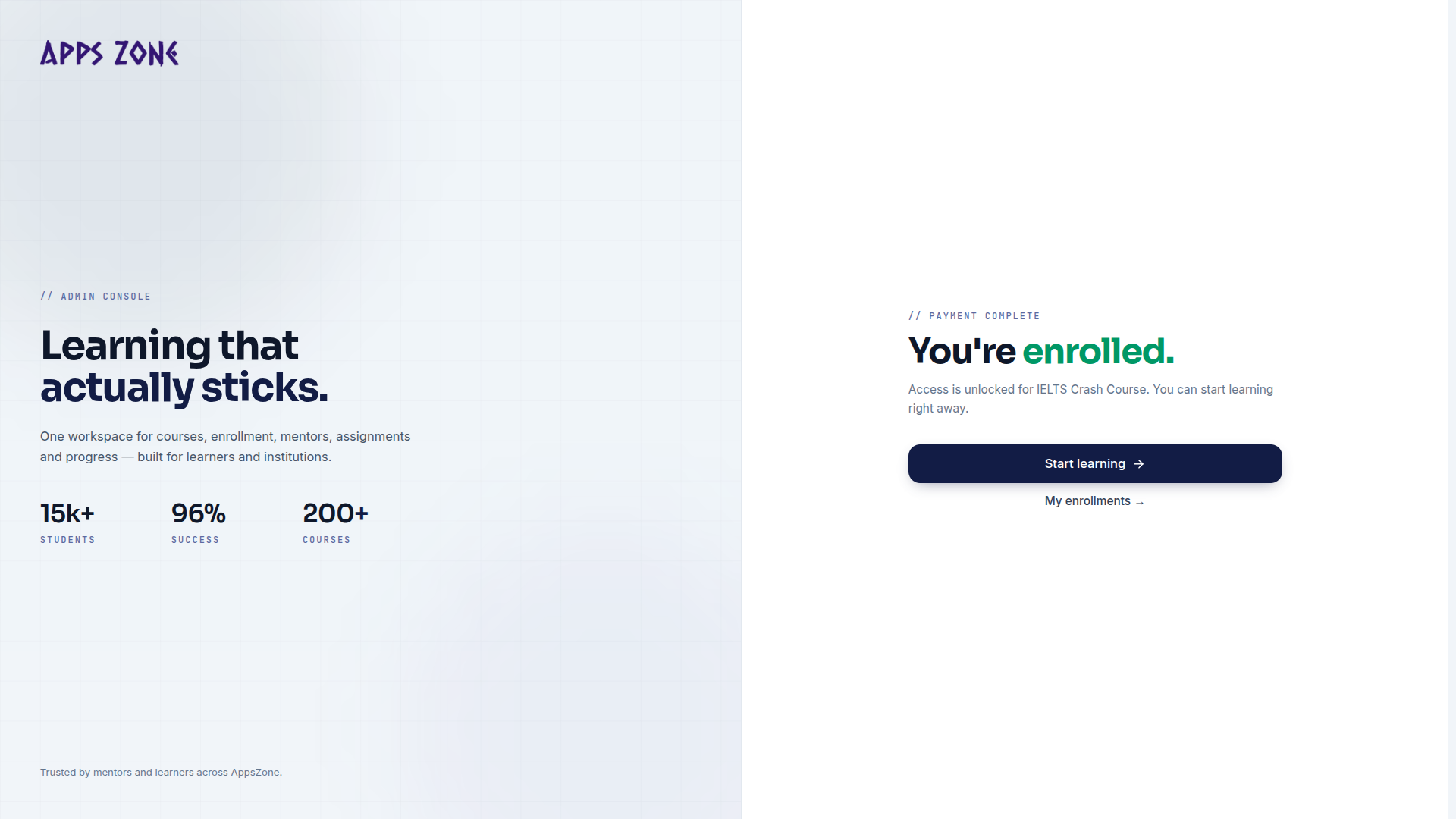
Enrollment request
Choose online or manual payment and submit a course enrollment.
Enrollment is a custom page, not a sidebar item. Open it with Enroll now on a public course, or Enroll on a wishlist row.
URL: /student/enroll/{course} (course slug or id).
You must be signed in and Active. Guests are sent to /student/login first.
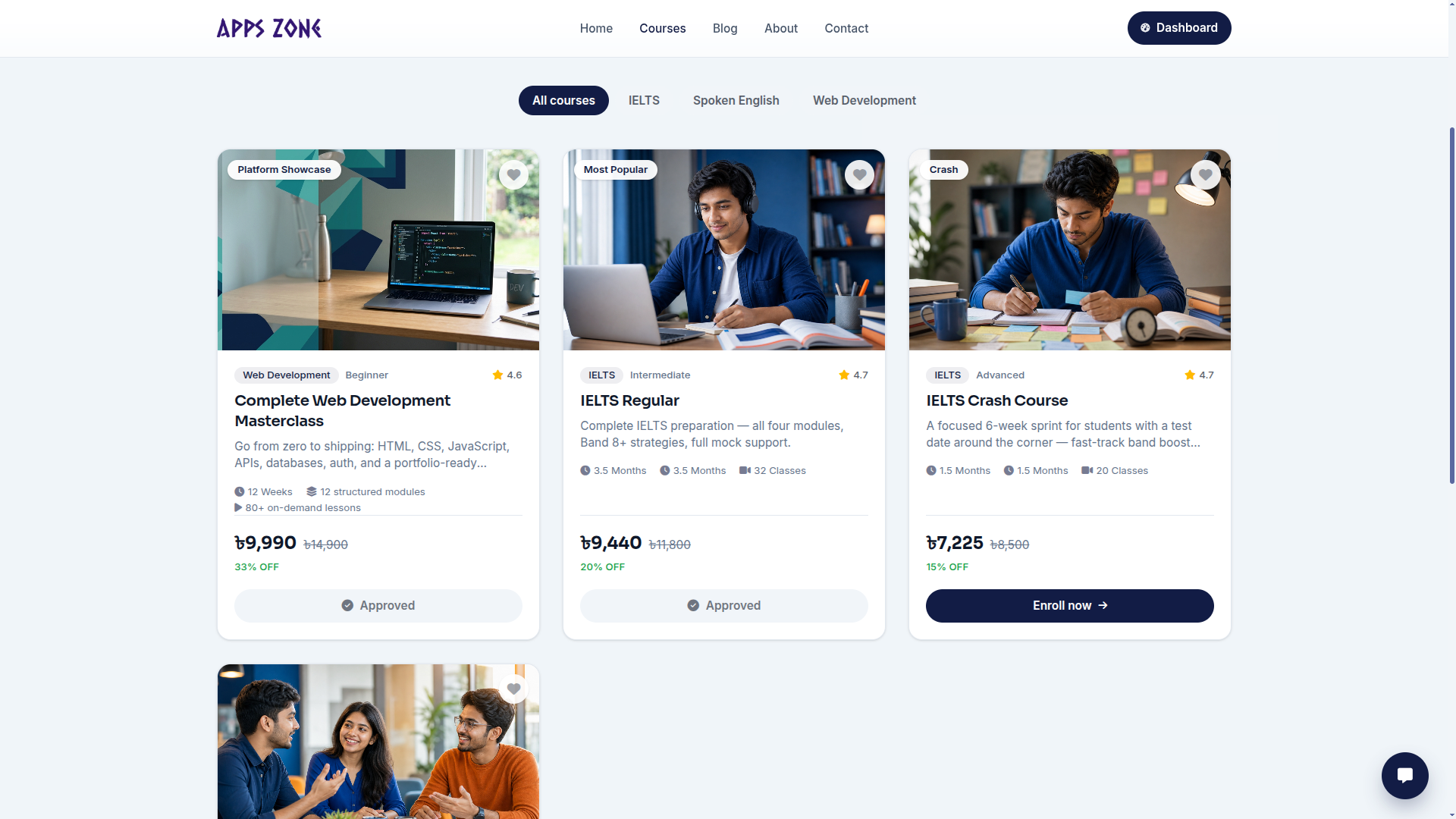
Opening the page:
- Rejects unpublished or inactive courses (404).
- Redirects to My Courses if you already have a non-cancelled request for that course.
- Saves the course to your wishlist if you leave without submitting. Submitting (or starting EPS) removes it from the wishlist because it then lives under My Courses.
The header shows the course title, summary, and effective fee.
Choose how to pay
BDT-priced courses can pay online (EPS) or manually. USD-priced courses skip the choice and go straight to the manual form (EPS settles in BDT only).
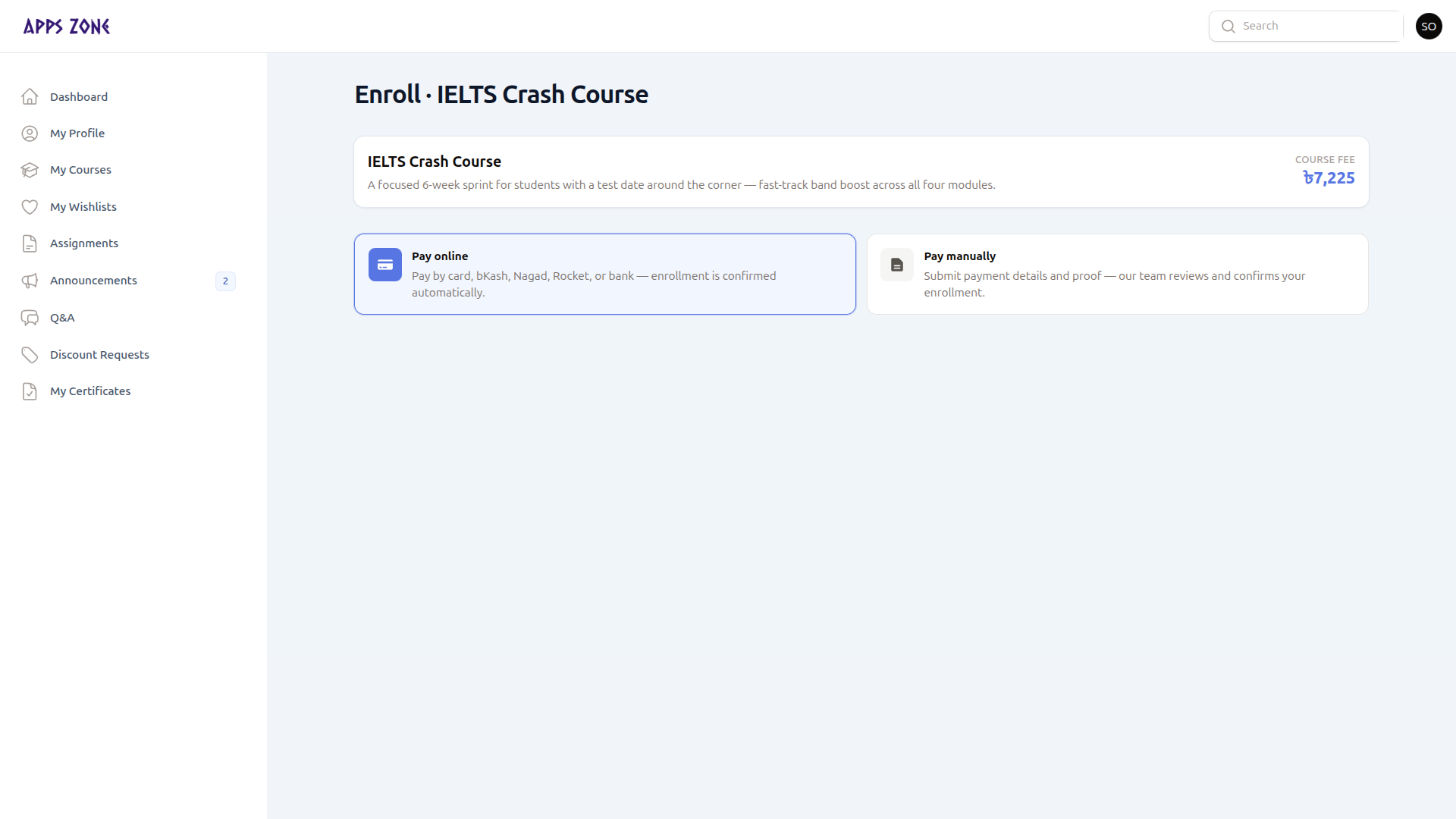
| Path | What happens |
|---|---|
| Pay online | Creates a pending enrollment, starts EPS, and sends you to the gateway. Enrollment is confirmed automatically after a successful payment. |
| Pay manually | You enter amount, method, transaction id, and a receipt. Staff reviews it and confirms later. |
Pay manually
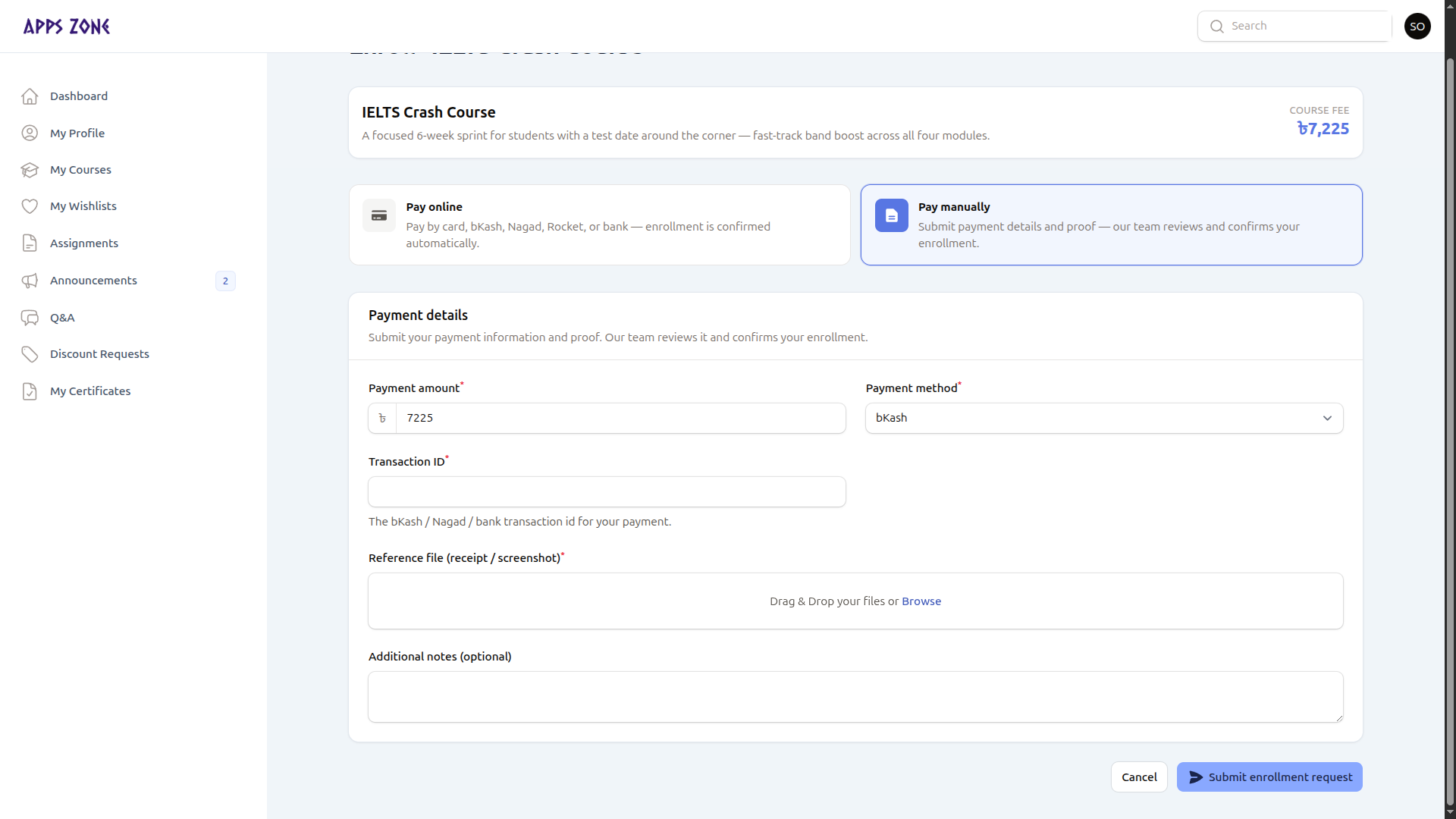
| Field | Notes |
|---|---|
| Payment amount | Defaults to the course fee |
| Payment method | Cash, bKash, Nagad, Bank Transfer, EPS (Online), or Other — default bKash |
| Transaction ID | Required — the bKash / Nagad / bank reference |
| Reference file | Required PNG, JPEG, WebP, or PDF receipt |
| Additional notes | Optional |
Submit enrollment request creates the enrollment (Pending) and a payment row, then redirects to My Courses. Staff confirm it from the admin enrollments table.
Cancel returns to My Courses without submitting.
Pay online (EPS)
Clicking Pay online opens the EPS checkout (cards, bKash, Nagad, Rocket, bank). If initiation fails, the page switches to the manual form and shows an error.
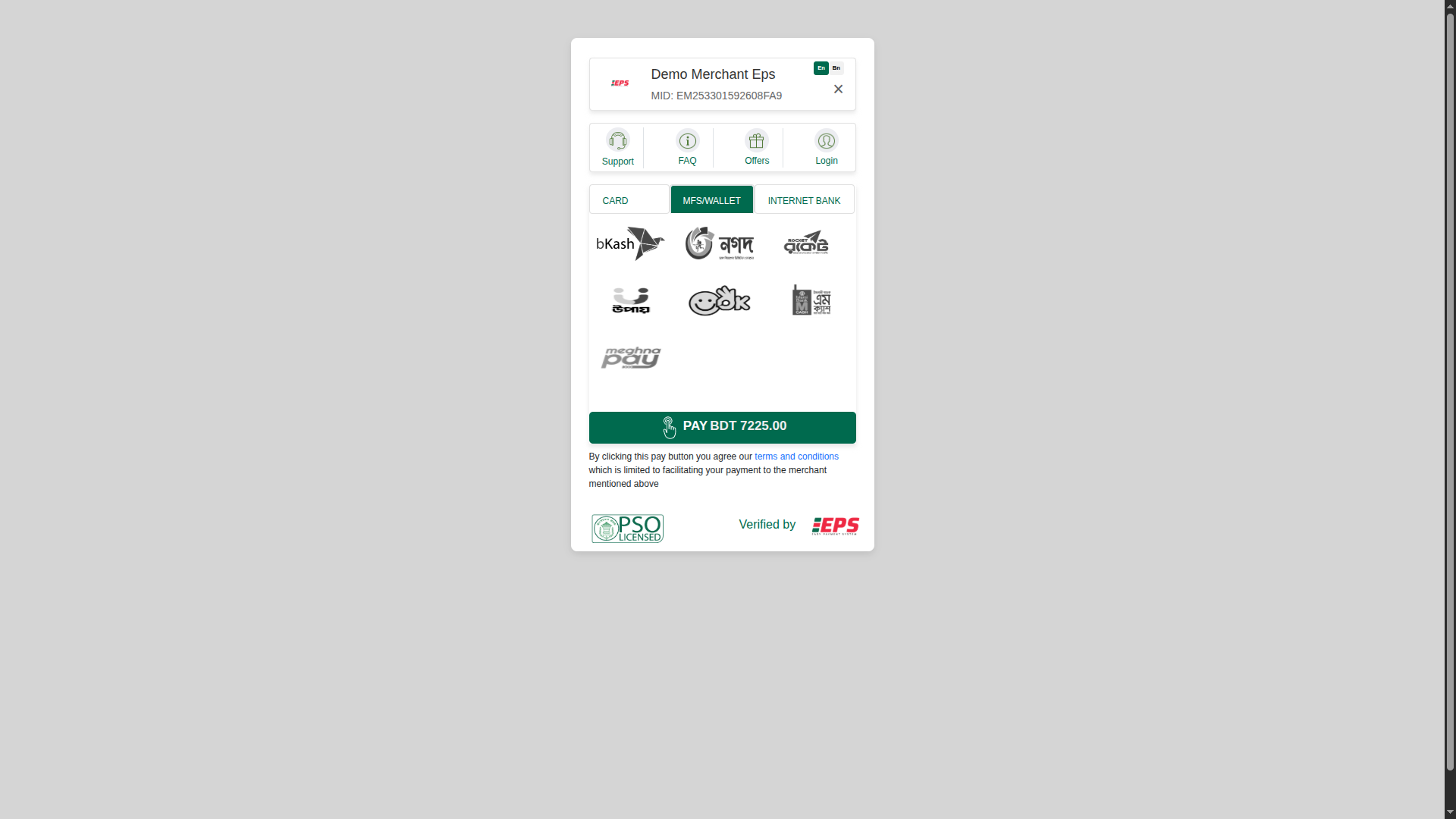
After the gateway, the browser returns to /payments/eps/success (or fail / cancel).
| Outcome | Message | Next step |
|---|---|---|
| Success | You're enrolled. | Start learning and My enrollments |
| Failed | Payment didn't go through | Continue payment from My Courses |
| Cancelled | You left checkout | Nothing charged — continue later |