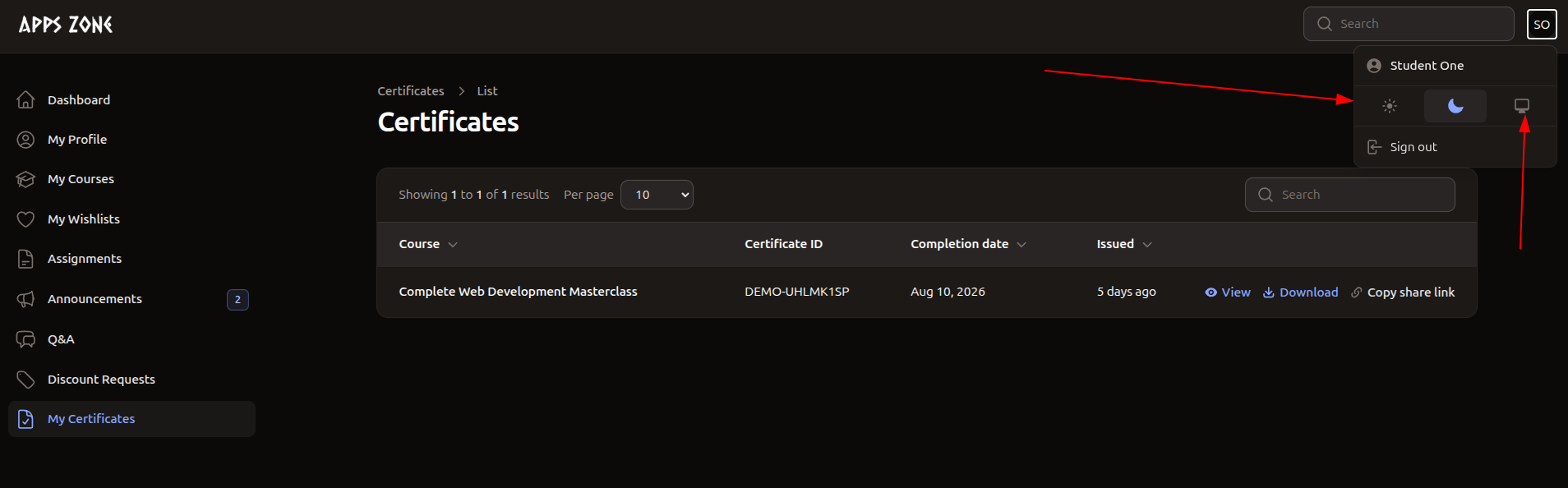
My Certificates
Open in Student PanelView, download, and share certificates staff have issued to you.
My Certificates lists certificates with status Issued. Draft or withdrawn certificates are hidden. You cannot create or edit rows.
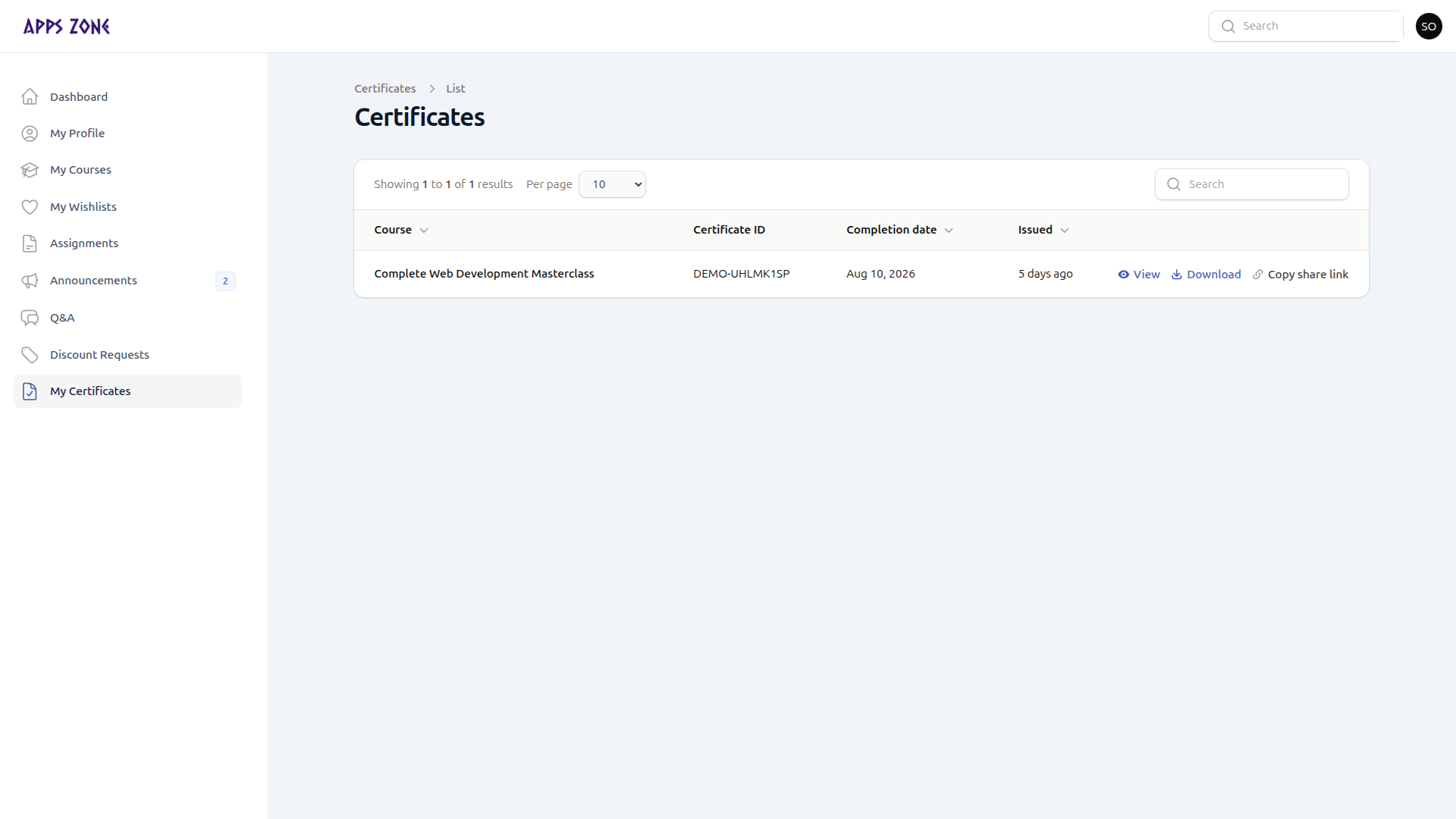
| Column | Meaning |
|---|---|
| Course | Course title stored on the certificate |
| Certificate ID | Unique code (copyable) |
| Completion date | When you finished |
| Issued | When staff issued it |
Actions
| Action | What it does |
|---|---|
| View | Public certificate page (new tab) |
| Download | Same page with print layout |
| Copy share link | Copies the public URL |
There is no in-app preview screenshot in this set; View opens the public certificate URL.
The panel supports light and dark appearance. The table is the same in both.