
Announcements
Open in Student PanelRead notices sent to you by staff, including attachments.
Announcements is your inbox of staff notices. The sidebar badge is the unread count. You cannot compose announcements.
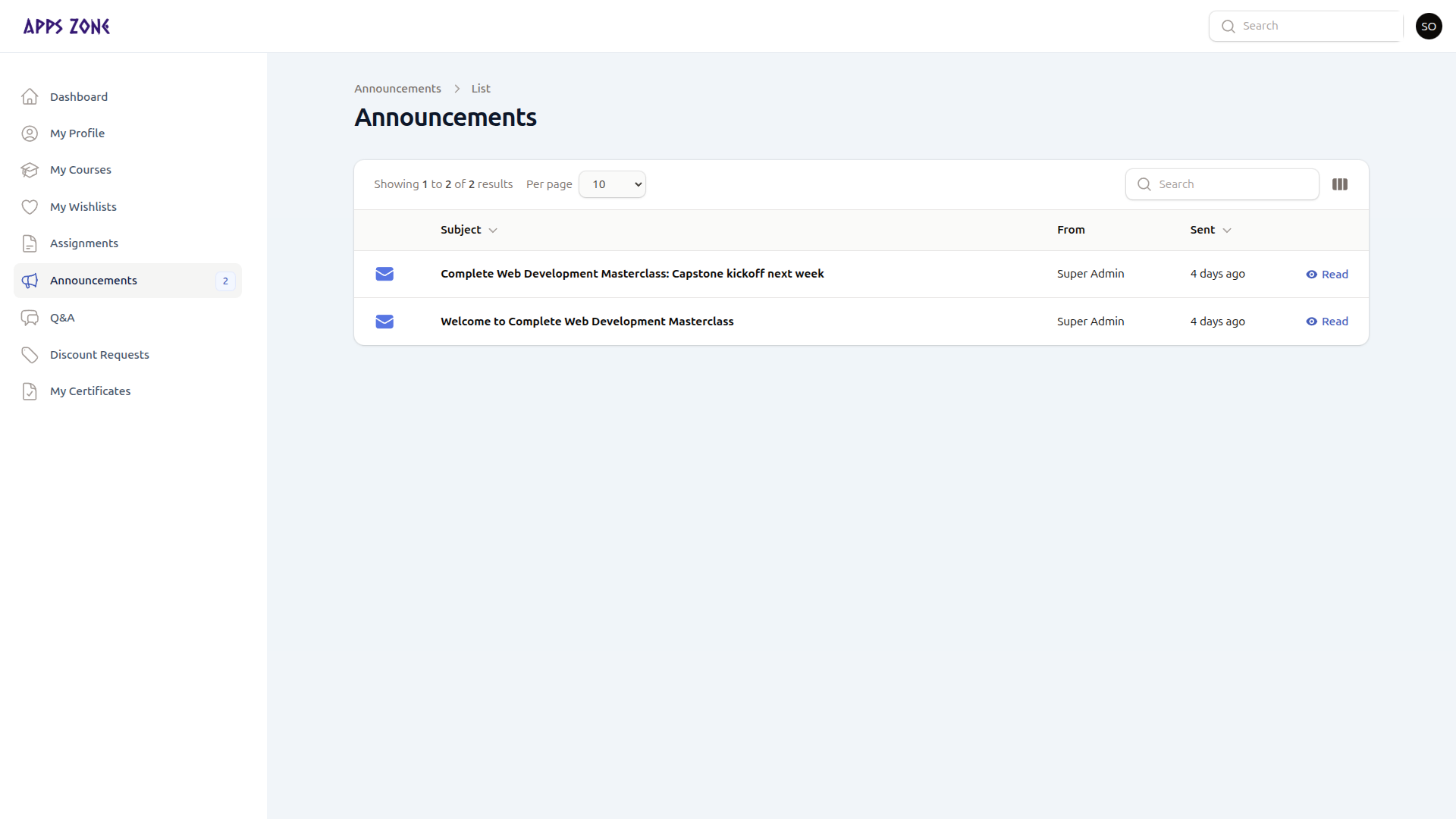
Unread rows are bold, with a closed-envelope icon. Read rows use an open envelope.
Columns: subject, From, and Sent (relative time). Newest first.
Read a notice
Click the row or Read. The modal shows sender, sent time, body, and attachment download links when files were attached.
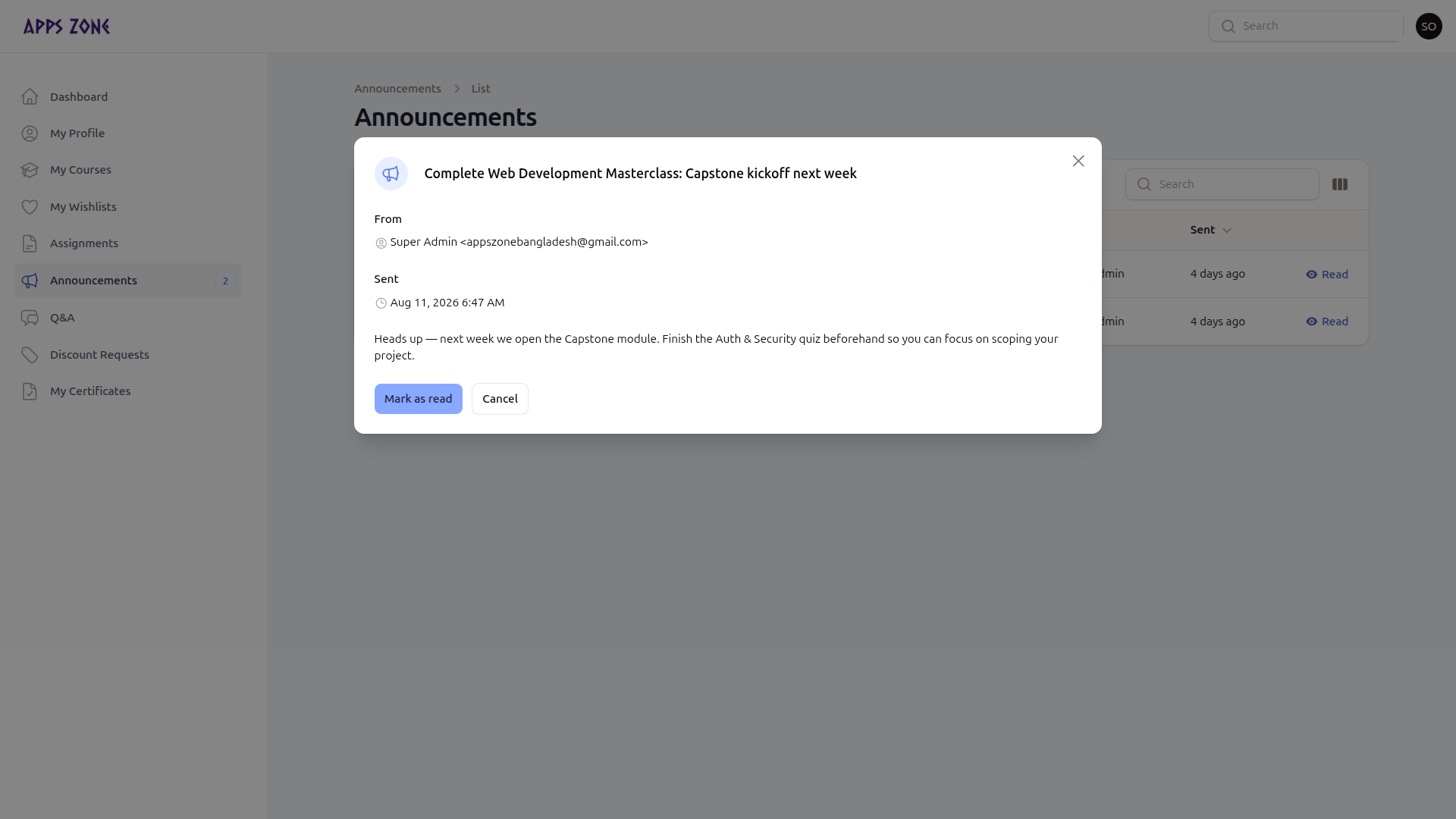
If it is still unread, Mark as read records read_at and clears that item from the badge. Already-read notices only have Close.