
Dashboard
Open in Student PanelStats and course cards for enrollments you already started.
The dashboard is the home screen after an Active student signs in. It is for continuing work, not for browsing the public catalog.
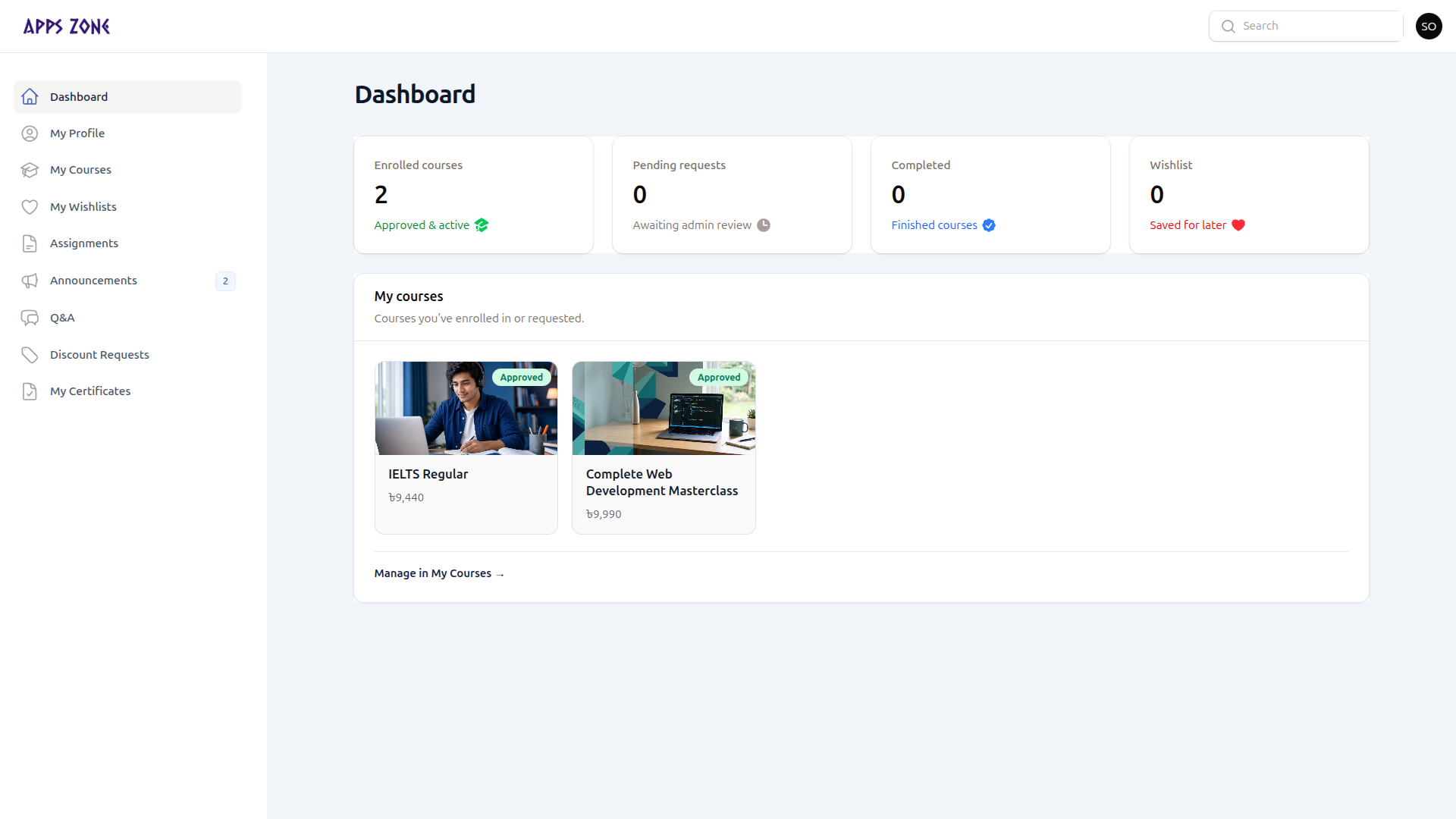
Stats
Four cards summarize your account:
| Card | Meaning |
|---|---|
| Enrolled courses | Confirmed (approved) enrollments |
| Pending requests | Enrollments waiting for staff review or an unfinished online payment |
| Completed | Finished courses |
| Wishlist | Courses you saved for later |
My courses widget
Cards list enrollments you already requested, with the status badge (Pending, Approved, Completed, or Cancelled).
- Confirmed or completed — click the card to open the learning player.
- Pending with an unfinished EPS checkout — Continue payment sends you back to the gateway.
- Other pending cards link to the public course page until staff confirms payment.
Wishlisted courses that are not yet requested appear in a second row so you can enroll from here.
If both lists are empty, Browse courses jumps to the public catalog (/#courses).