
Dashboard
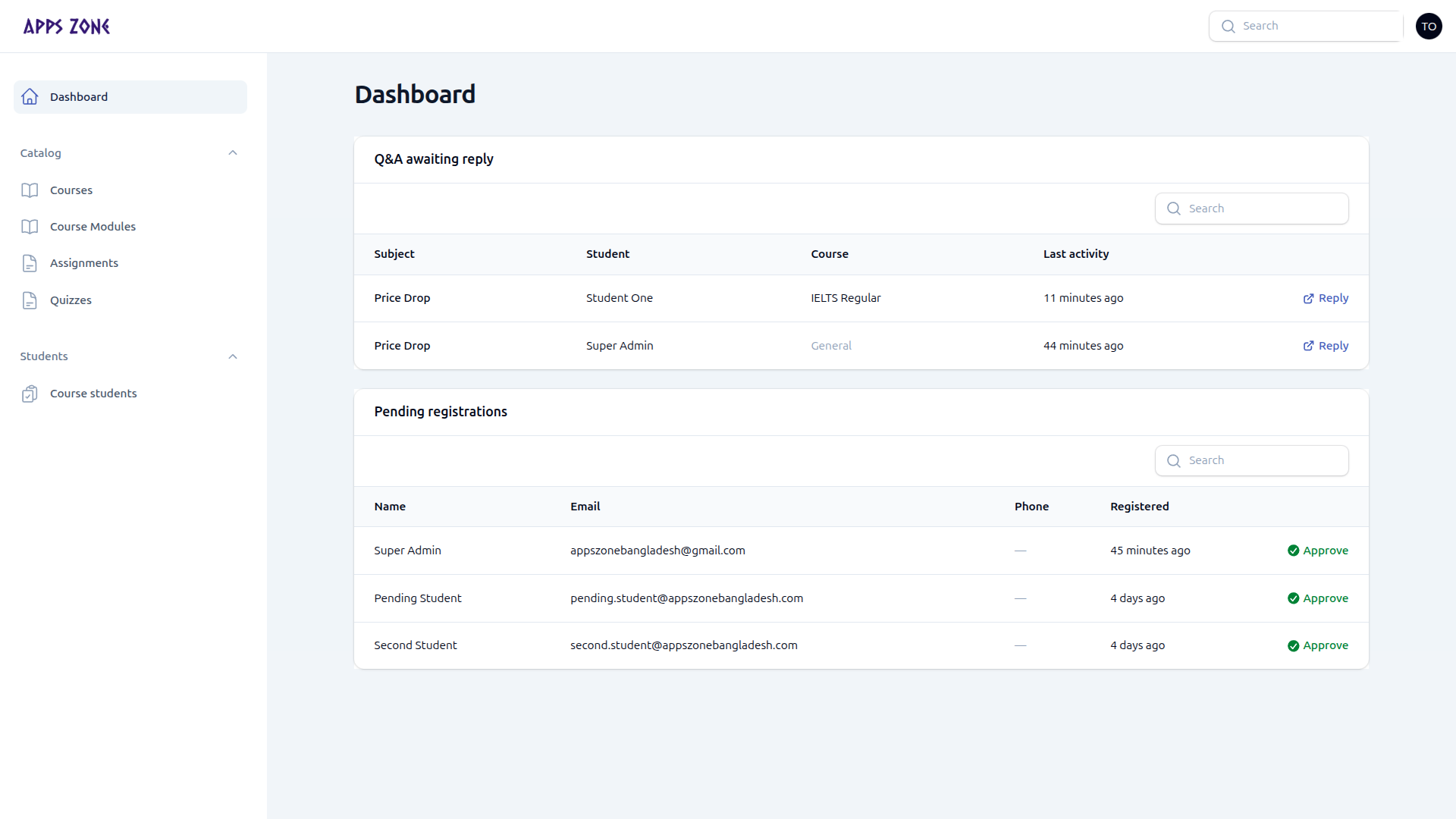
Open this pageHome of the teacher panel after you sign in.
After /teacher/login you land on the teacher dashboard at /teacher. Use the sidebar for Courses, Course Modules, Assignments, Quizzes, and Course students. Lists stay scoped to courses you manage.
Suggested first 10 minutes
- Confirm the courses you manage appear under Courses.
- Open Course Modules and check upcoming lessons.
- Then work Assignments / Quizzes, and scan Course students.