
Course students
Open this pageSee who is enrolled in your courses. You cannot create or approve enrollments.
Course students is the enrollments table with a teacher-specific label. Each row is a student on a course you manage. You cannot create, edit, approve, or deny enrollments — that is an admin payment workflow.
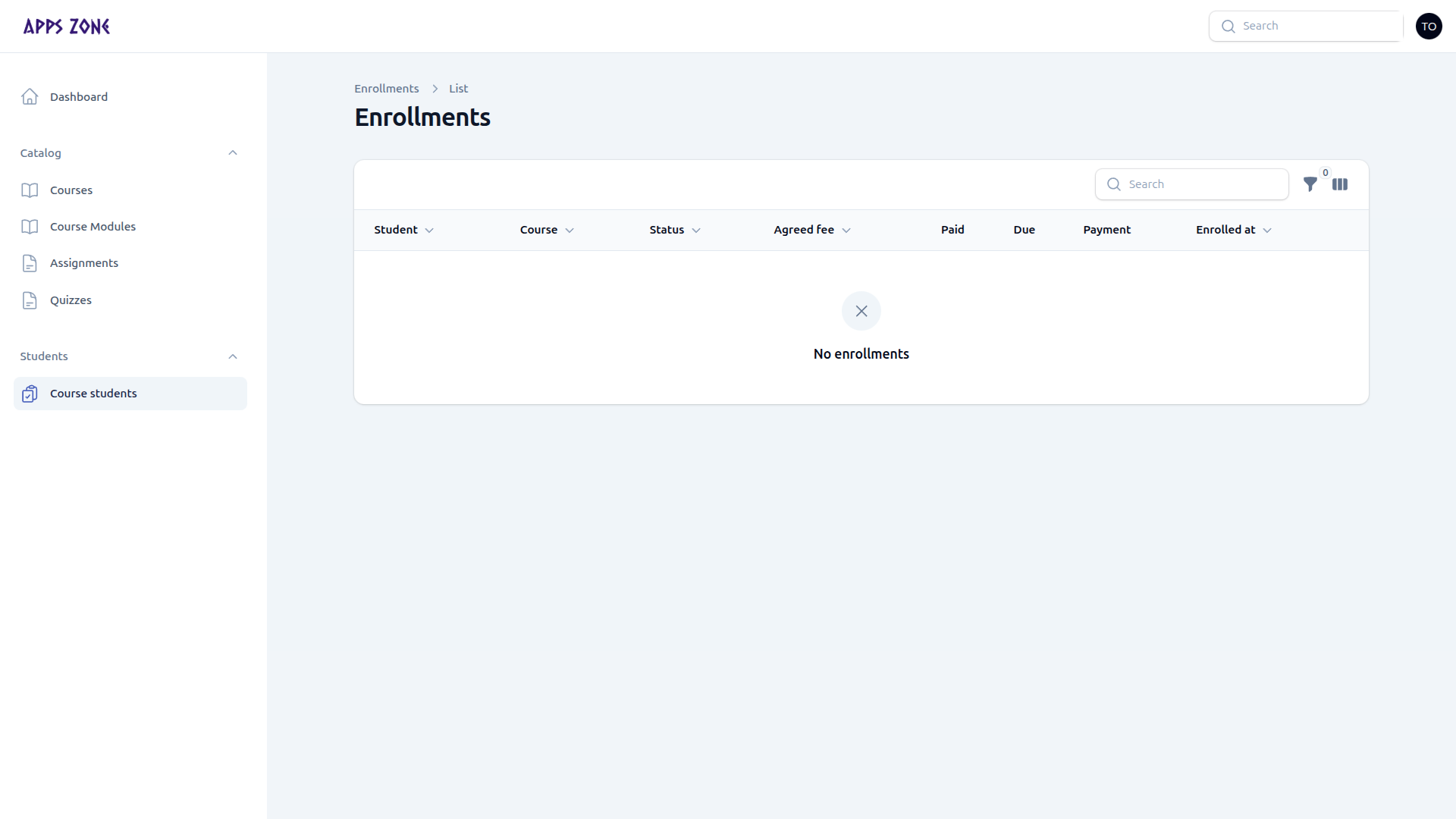
The page title remains Enrollments. There is no New enrollment button for teachers.
Columns
| Column | Meaning |
|---|---|
| Student | Learner name |
| Course | Course they requested |
| Status | Pending, Approved (confirmed), Completed, or Cancelled |
| Agreed fee | Price snapshotted at request time |
| Paid / Due | From recorded payments |
| Payment | Paid, Partial, or Due |
| Enrolled at | When the request was created |
Filter by status. Empty state: No enrollments.
Statuses and learning access
| Stored value | Label in the UI | Learning access |
|---|---|---|
| pending | Pending | No |
| confirmed | Approved | Yes |
| completed | Completed | Yes |
| cancelled | Cancelled | No |
What you can do
Click a row (or Details) to see student context and payment history. You cannot change status from this table.
Students request access themselves at /student/enroll/{course}. Admins confirm manual payments or EPS confirms online BDT payments automatically.