Course Modules
Open this pageBuild chapters and lessons for courses you manage.
A module is a chapter inside a course. Lessons live on the module, not as a top-level sidebar item. You only see modules for courses you manage.
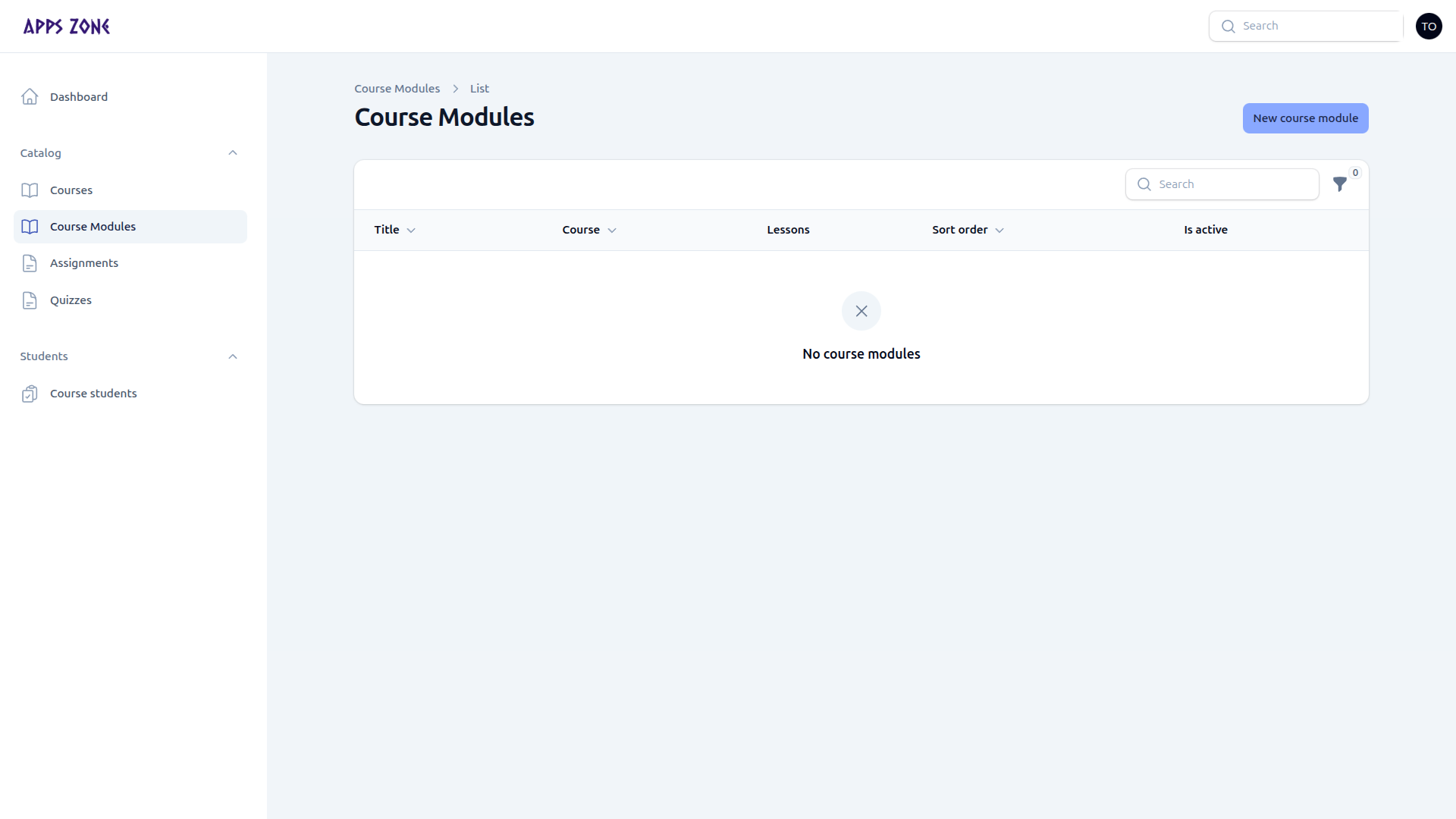
Columns: title, course, lessons count, sort order, is active. New course module opens the create form.
Create a module
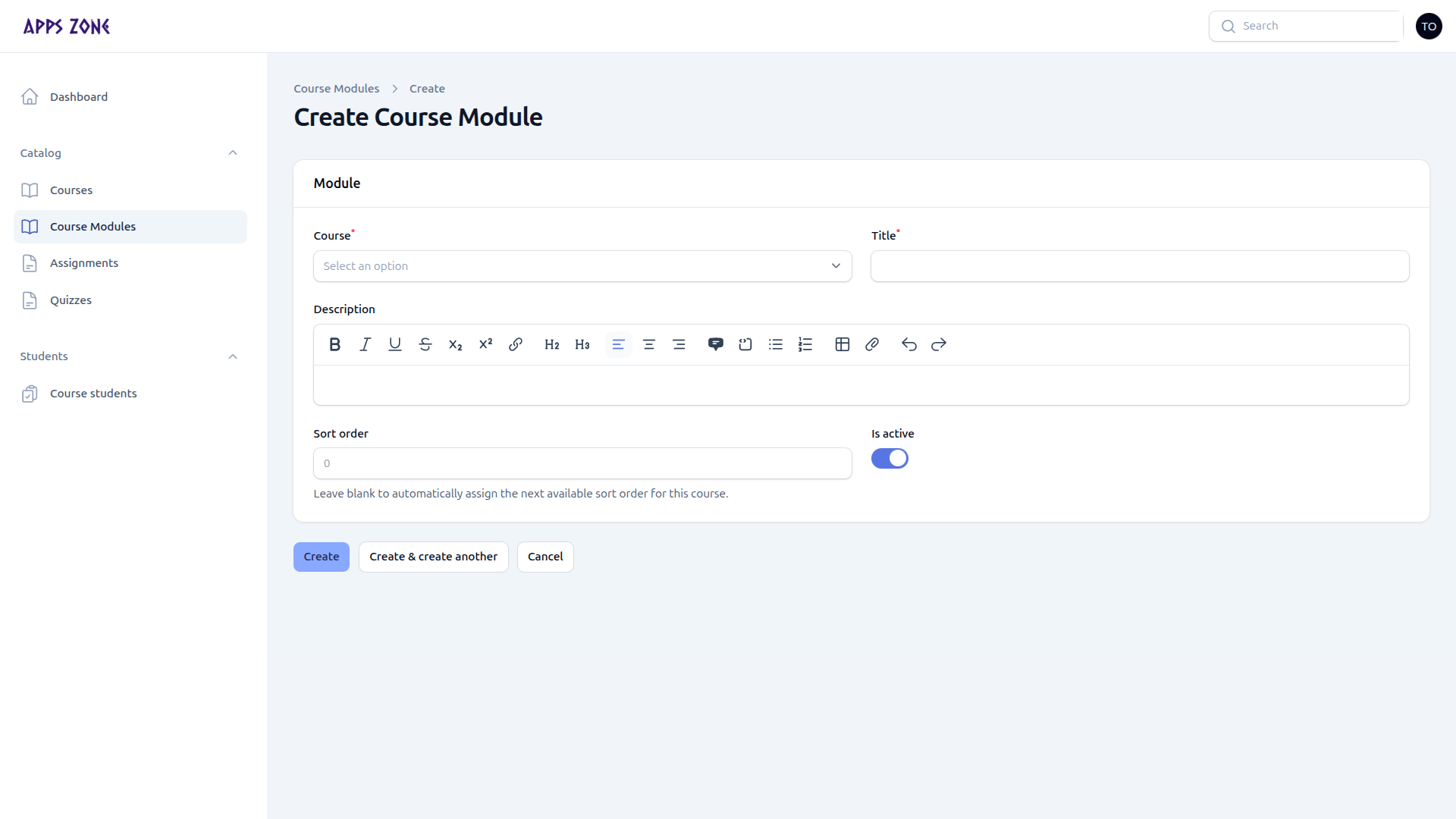
| Field | Notes |
|---|---|
| Course | Required; dropdown is limited to courses you manage |
| Title | Chapter name |
| Description | Optional rich text |
| Sort order | Leave blank to auto-assign at the end of that course |
| Is active | Inactive modules hide from students |
Create, Create & create another, or Cancel.
Add lessons
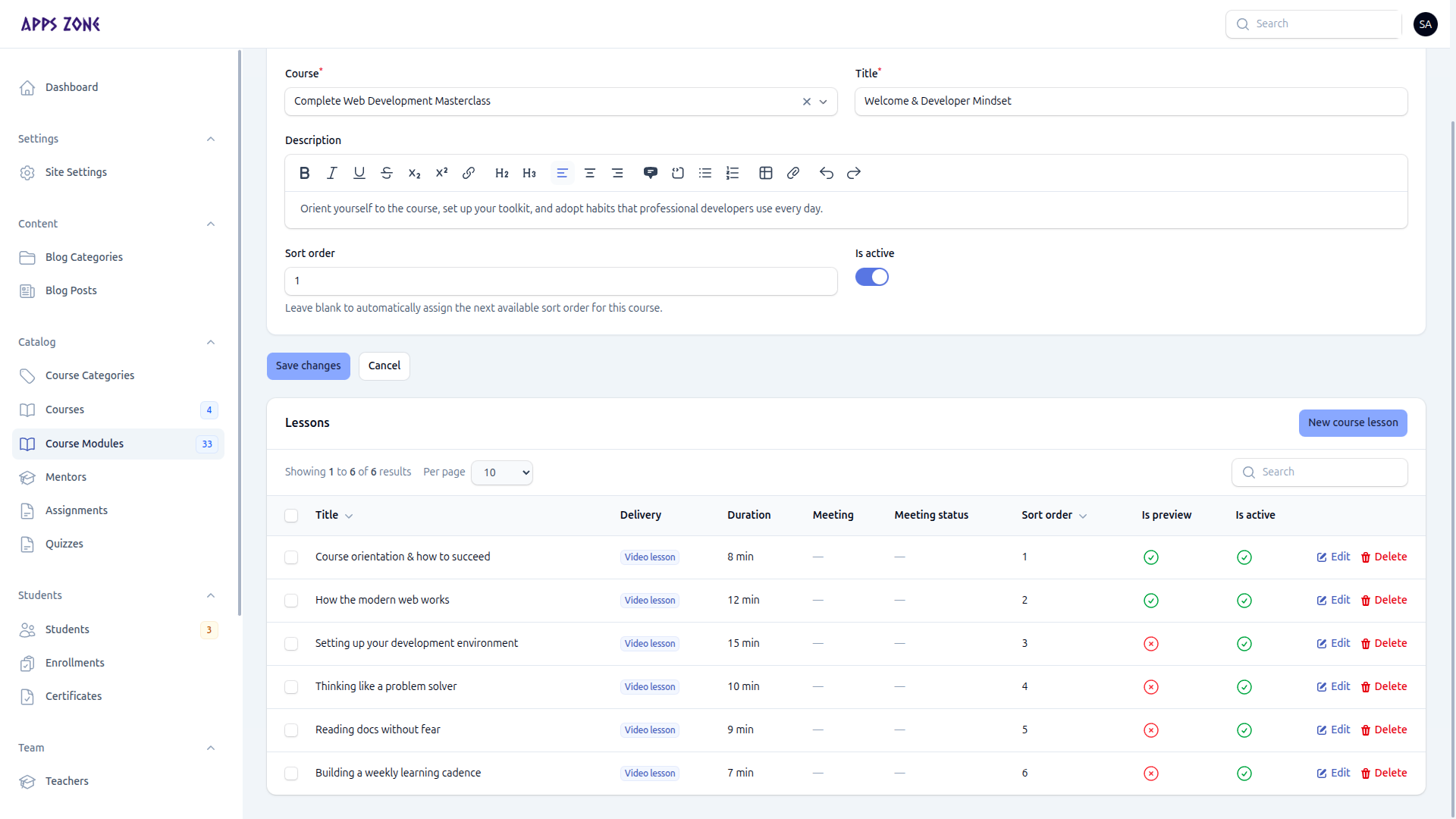
Edit the module. The Lessons table sits under the form. There is no extra teacher screenshot of the lesson editor; the UI matches admin.
Click New course lesson. Choose a delivery method:
| Method | Use when |
|---|---|
| Video | Pre-recorded content (external URL, embed, or upload) |
| Meeting | Live class (join URL, schedule, audience) |
| Hybrid | Video plus a live session |
Fill title, duration, summary, content, thumbnail, and sort order. For meetings, set the join details and mark the meeting completed from the row action when the class is over.